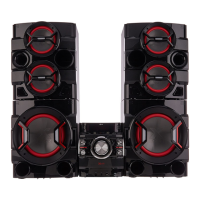
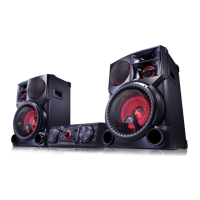
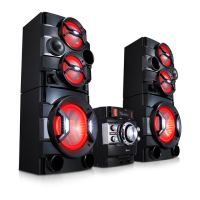
Front panel
a
Disc tray
b
HEAD PHONE
c
MIC
d
PORT. IN
e
MIC VOL.
f
Handle
Rear panel
a
Power cord
y
Connect the power cord to wall outlet
directly if possible. Or when you use an
extension cable, it is highly recommended
to use an extension cable of 110 V / 15 A
or 230 V / 15 A, otherwise the unit may not
operate properly because of the lack of
power supply.
y
Do not overload the extension cord with
excessive electrical load.
>
Caution
b
ANTENNA (FM)
c
AUX IN 1/2 (L/R)
d
AUX OUT (L/R)
e
R SPEAKERS connector : Connects Right
speaker’s cables.
f
L SPEAKERS connector : Connects Left speaker’s
cables.
g
SPEAKER LIGHTING


 To Next Page
 Loading...