-14-
How to use
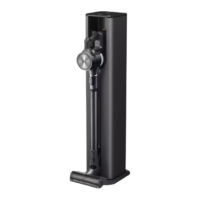
Installing the floor standing
charging station
1
Place the charging station support on the floor and
assemble the charging station pipe, the Detachable
stand for nozzle and mop pads and the charging
station in this order.
Click
Detachable
stand for
mop pads
Detachable
stand for nozzle
Charging
station
Charging
station
pipe
Charging station
support
CAUTION
•
Avoid getting your fingers stuck in any gap.
2
Connect the power adapter to the port on the back of
the charging station and plug the power cord into the
power outlet.
•
The cord can be secured tidily by putting it through
the power cord anchoring ring located on the back
of the charging station pipe.
①
②
3
After ensuring there are no pipes or wires inside or
behind the wall, make a hole at the appropriate height
to anchor the charging station and insert the screw
anchor.
•
Recommended diameter of hole:
Φ
6.5;
Recommended depth: 100 mm.
Screw anchor
4
Put the anchoring block on the back of the charging
station and anchor the charging station with the
screw.
•
Make sure to fully tighten the screw.
Anchoring screw
for standing type
Wall anchoring block
Screw
anchor
When using double-sided tape (do not
use if the wall is wallpapered)
1
Use double-sided tape to attach the wall anchoring
block to the charging station in step 4.
•
Be sure to remove the center part of the double-sided
tape before mounting it.
Wall anchoring block
2
Use the remaining part of the tape to anchor the
station to the wall before inserting the screw.












 To Next Page