Operating26
Operating
4
Viewing a PHOTO file
i
This unit can play discs with photo les.
1. Select the DVD/CD or USB function by pressing
FUNCTION on the remote control or F on the
unit.
2. Press
w/s
to select a folder, and then press
b
ENTER.
A list of files in the folder appears.
If you are in a file list and want to return to
the previous folder list, use the
w/s
buttons
on the remote to highlight
g
... and press
b
ENTER.
3. If you want to view a particular file, press
w/s
to highlight a file and press
b
ENTER
or Press
z
MONO/STEREO on the remote
control or
T
on the unit. While viewing a file,
you can Press
Z
on the remote control or
I
on
the unit to move to the previous menu. (JPEG
menu)
Viewing a PHOTO file as a
slide show
i
1. Use
w/s/a/d
to highlight (
) icon then
press
b
ENTER to start slide Show.
2. You can change slide show speed using
a/d
when (
) icon is highlighted.
About help menu for slide show.
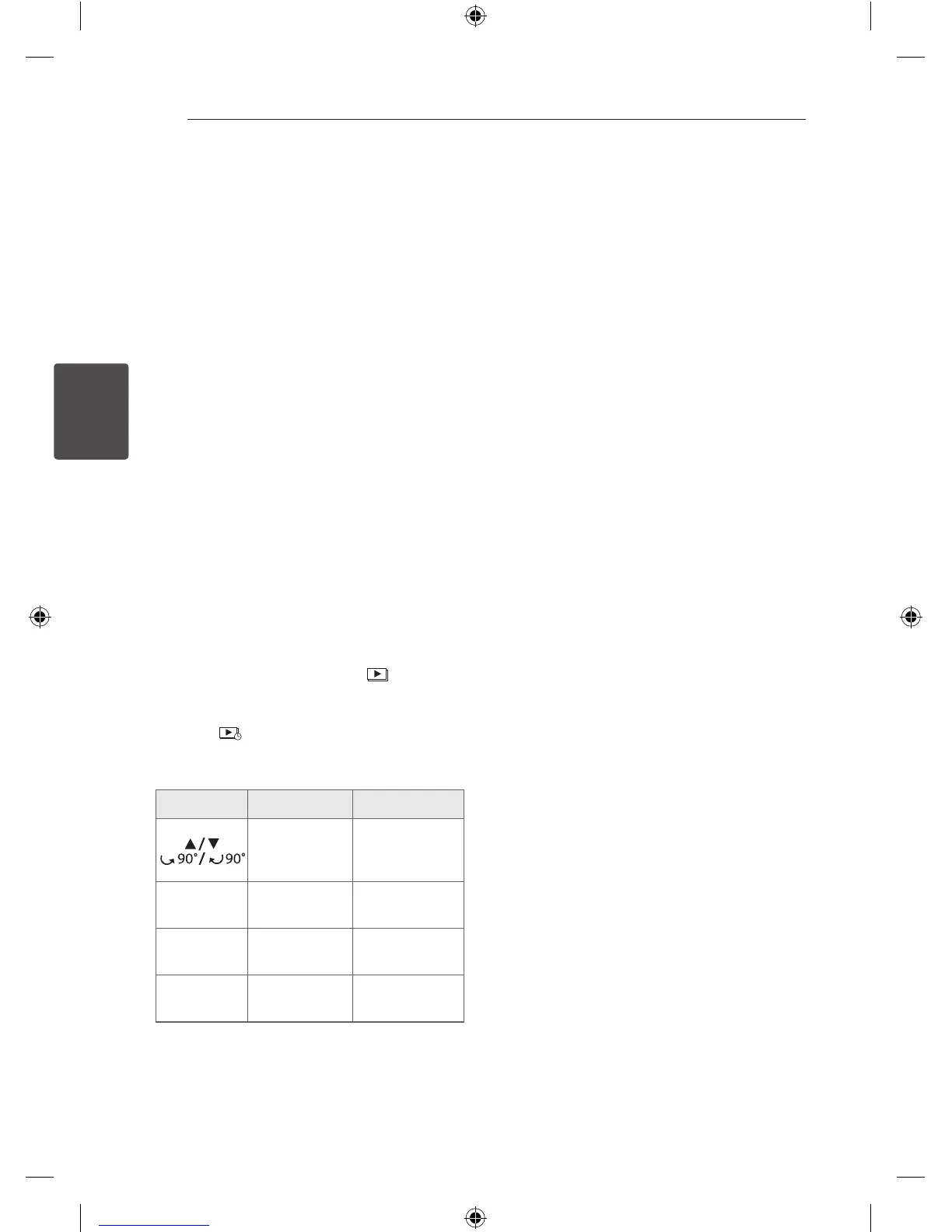
Menu Buttons Operation
w/s
Rotating the
picture.
a/d
Prev./ Next
a/d
Moving to
another le.
x
Close
x
BACK
Returning to
the menu.
b
Hide
b
ENTER
Hiding the help
menu.
Turning off the sound
temporarily
Press MUTE
@
on the remote control to mute
your sound.
You can mute your sound in order, for example, to
answer the telephone. And “
q
” will appear in the
display window.
To cancel MUTE function, press MUTE
@
again or
adjust volume level by pressing VOL(+/-).
Screen Saver
The screen saver appears when you leave the unit
in Stop mode for about ve minutes.
System Select - Optional
You must select the appropriate system mode for
your TV system. If “NO DISC” appears in the display
window, press and hold
M
for more than ve
seconds to be able to select a system. (AUTO/ PAL/
NTSC)
Displaying file information
(ID3 TAG)
You can check the ID3 TAG information of MP3 les
only in discs by pressing DISPLAY repeatedly.
DM2520-FP_AIDNLLK__ENG.indd 26 2013-04-17 3:15:54



 To Next Page