Getting Started 11
Getting Started
1
1 2 3
4
8
6
7
9
10
5
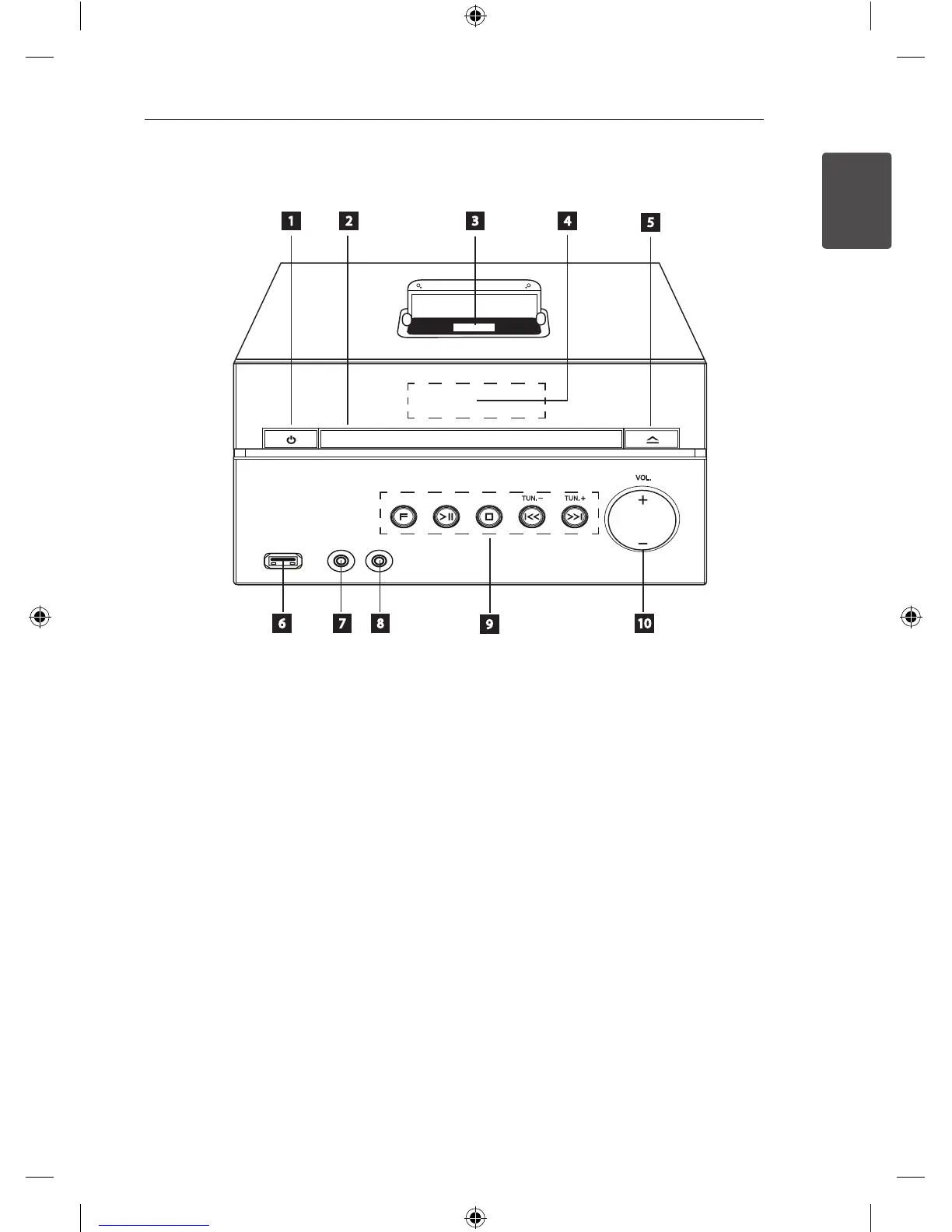
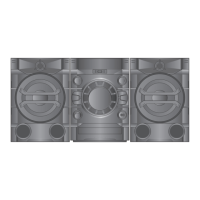
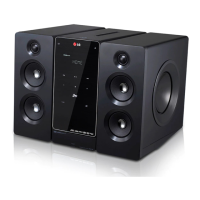
Front Panel
a 1 (POWER)
Switches the unit ON or OFF.
b
Disc tray
c
iPod dock
d
Display window
Shows the current state of the unit.
e
R
(Open/Close)
Opens or closes the disc tray.
f
USB Port
Connects an USB device.
g
PORT.IN
The player can be used to play the music from
many types of portable player.
h
PHONES
Headphone jack.
i
F (FUNCTION)
Selects the function or input source.
T
(PLAY / PAUSE)
Starts playback and pauses.
I
(STOP)
Stops playback or recording.
Y/U
(Skip/Search):
- Goes to next or previous le/track.
- Searches backward or forward (Press and
hold)
- Adjusts the hours or minutes to set alarm and
clock.
TUN. (-/+)
Tunes in the desired radio station.
j
VOL. (+/-)
Adjusts volume of speaker or head phone.
DM2520-FP_AIDNLLK__ENG.indd 11 2013-04-17 3:15:48



 To Next Page