EasyManua.ls Logo

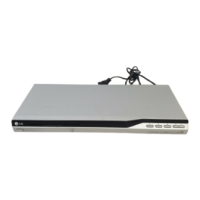
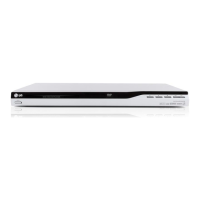
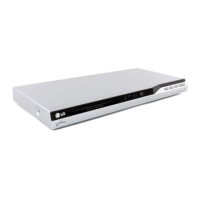
LG DV286-E3M - User Manual

LG DV286-E3M
89 pages
Print Icon
To Next Page IconTo Next Page
Loading...
DVD PLAYER
OWNER’S MANUAL
MODEL : DVX276 / DVX286
Before connecting, operating or adjusting this product,
please read this instruction booklet carefully and completely.
DV276.286-E1M.NA9SSLS_ENG

Table of Contents

Questions and Answers

  • W
    William BakerSep 12, 2025
    Why is there no picture on my LG DV286-E3M?
    • J
      Justin Porter MDSep 12, 2025
      If there's no picture, ensure your TV is set to receive the DVD signal output by selecting the appropriate video input mode. Also, check that the video cable is securely connected.
  • C
    carolynabbottSep 13, 2025
    What to do if my LG DV286-E3M DVD Player has power but doesn't work?
    • C
      Courtney MorganSep 13, 2025
      If your LG DVD Player has power but isn't working, it might be because no disc is inserted. Insert a disc and check if the disc indicator in the display window lights up.
  • N
    nhamiltonSep 15, 2025
    How to fix an LG DVD Player that has no power?
    • M
      Maureen ClaySep 15, 2025
      If your LG DVD Player has no power, ensure the power cord is securely plugged into the wall outlet.

LG DV286-E3M Specifications

General IconGeneral
TypeDVD player
Playable Media FormatCD, DVD
Video OutputComposite
Supported MediaDVD-R/RW, DVD+R/RW, CD-R/RW
Video PlaybackDVD
ConnectivityComposite

Related product manuals