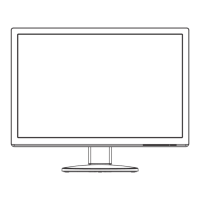
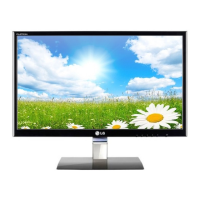
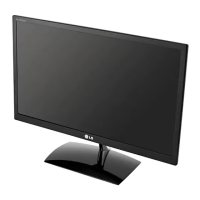
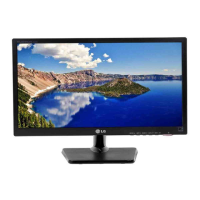
1. Place the monitor with its front facing downward on a soft cloth.
36
Installing the Wall mount plate
This monitor satisfies the specifications of the Wall mount plate or
the interchange device.
A type
2.
Remove the Stand Body and Stand Base
from product in correct direction as shown
in the picture
.
B type
2.
Nip Latch inside,Take off the stand base
from stand body.
C type
2.
To disconnect the Stand Base from the
Stand Body,simply unfold the screw
handle and turn"counter-clockwise" to
loosen the screw and disconnect the
Stand Base from its body.



 To Next Page