Add a Contact ] : Allows you to add a
new contact to the selected contacts list;
contacts are searched on the basis of
Screen Name.
Send Message to ] : Allows you to send a
message to someone by entering a Screen
Name.
Block List ] : Displays the list of all blocked
Contacts.
Saved Conversations ] : Allows you to view
saved conversations.
Settings ] :
Display Name -
My Status - : Allows you to set your status
to Available, Away, or Invisible
Offline Contacts -
Set Sound - : Allows you to turn alerts On/
Off for a Contact when they have activity
on their session
Auto Sign In -
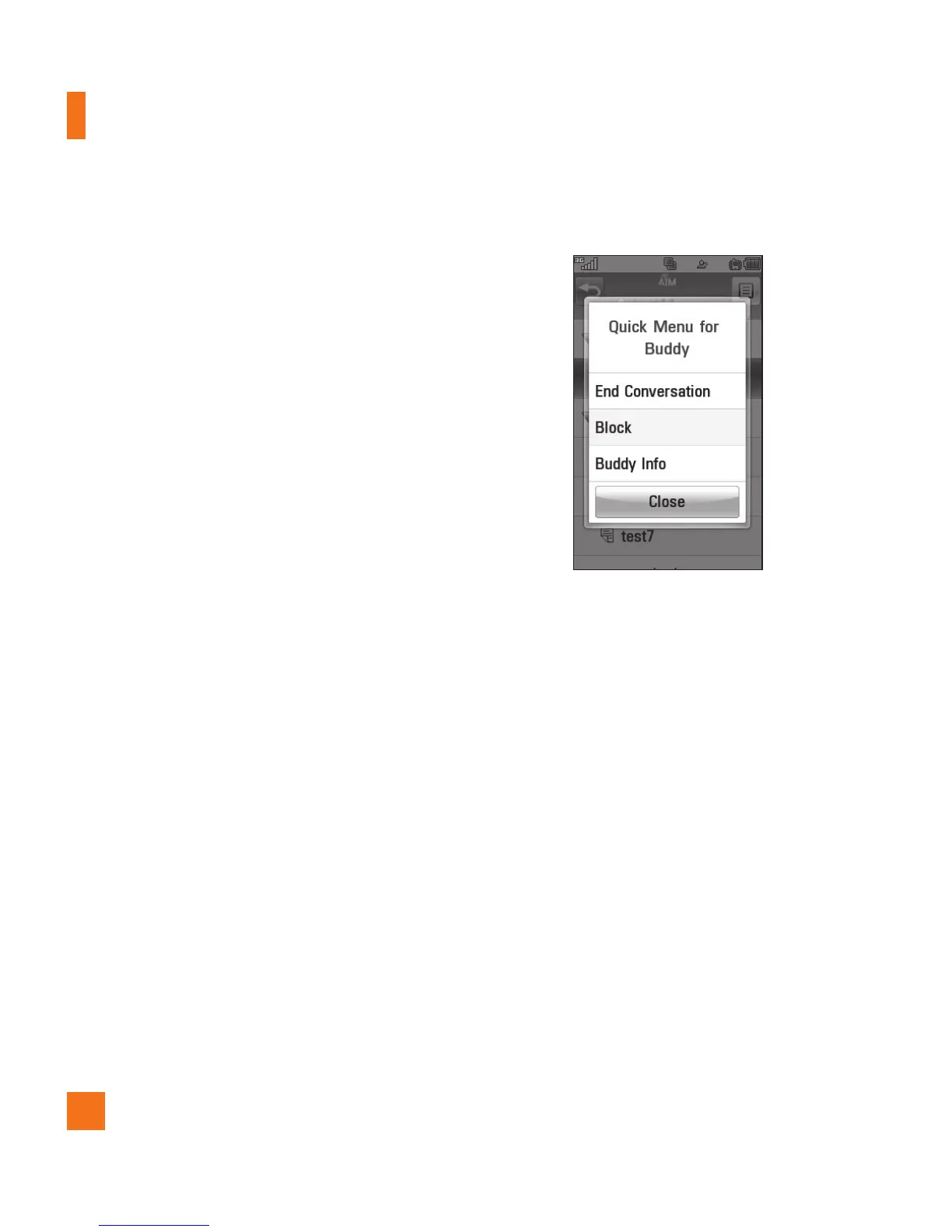
Touch and hold a conversation.
] End Conversation: This closes the
selected conversation. If an unknown
contact was selected, that contact is
deleted.
] Block/Unblock: This allows you to block/
unblock the selected Contact.
] Buddy Info: This allows you to view the
User ID and Status information.



 To Next Page