EasyManua.ls Logo

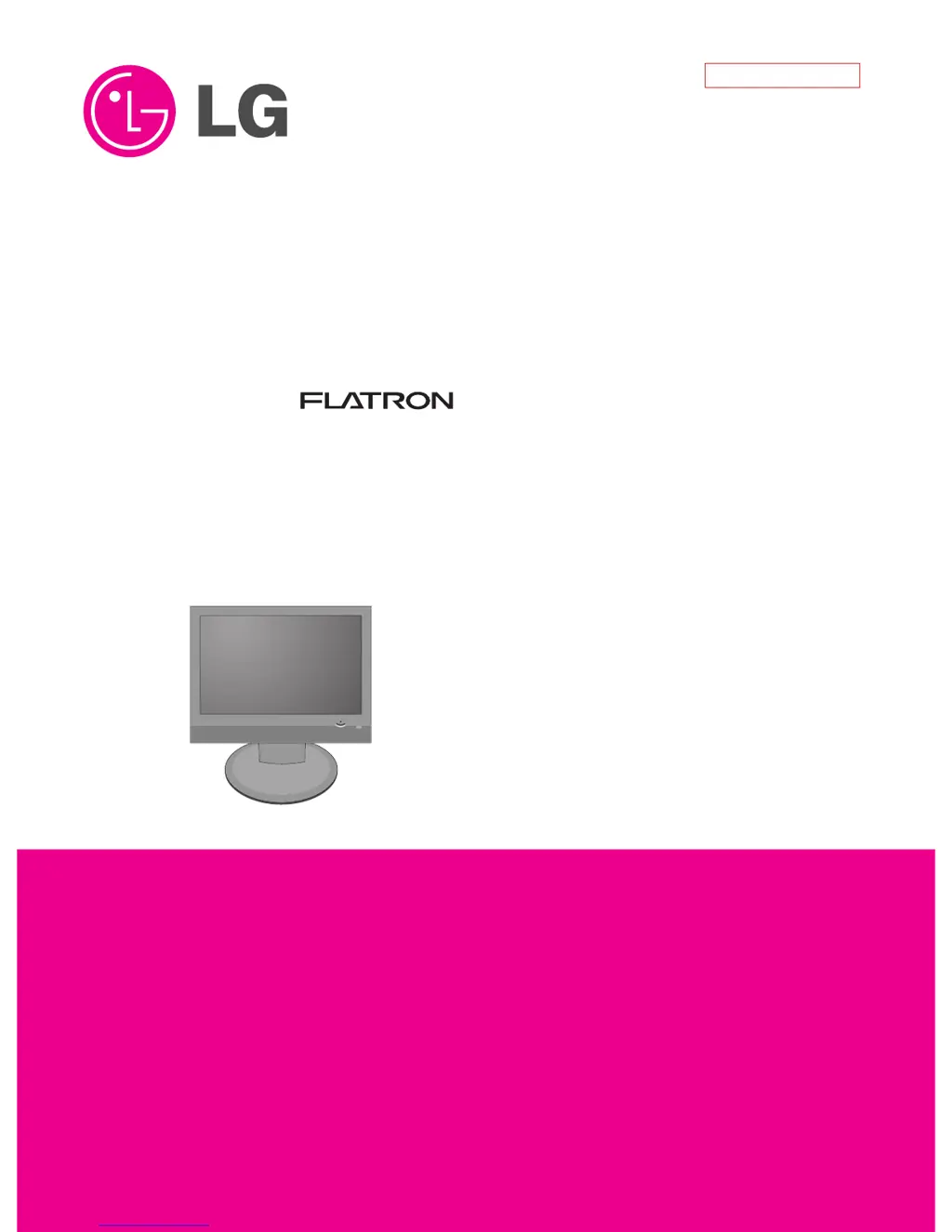
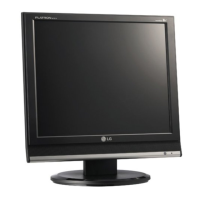
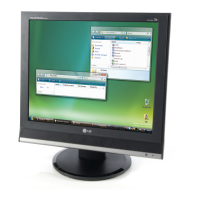
LG Flatron M228WA - User Manual

LG Flatron M228WA
46 pages
Print Icon
To Next Page IconTo Next Page
Loading...
COLOR MONITOR
SERVICE MANUAL
Website:http://biz.LGservice.com
CAUTION
BEFORE SERVICING THE UNIT,
READ THE SAFETY PRECAUTIONS IN THIS MANUAL.
CHASSIS NO. : LP79A
MODEL: M228WA (M228WA-BMH.A**MLP)
*( ) **Same model for Service
Internal Use Only

Questions and Answers

  • P
    Paige McneilJul 26, 2025
    How to fix an LG Flatron M228WA Monitor that has no power and the LED indicator is off?
    • H
      Heather McdanielJul 26, 2025
      If your LG Monitor has no power and the LED indicator is off, try replacing the following components: IC1100(3.3V), IC100, Q307, IC1102(10.5V), IC1104, IC1105, or the LED Assy.
  • M
    Megan StricklandJul 31, 2025
    What to do if my LG Flatron M228WA has no raster?
    • C
      camachoshannonAug 1, 2025
      If your LG Monitor has no raster, consider replacing the Panel Link Cable or Module, Inverter, R305, IC100, or the Module.
  • W
    William DavisAug 5, 2025
    What to do if there is no raster on RGB signal on my LG Flatron M228WA Monitor?
    • J
      Justin ThomasAug 5, 2025
      If your LG Monitor shows no raster on RGB signal, try re-soldering or changing the defective part.
  • B
    Bobby RuizAug 10, 2025
    What to do if my LG Flatron M228WA has no raster on component signal?
    • D
      Danny MoranAug 10, 2025
      If your LG Monitor displays no raster on the component signal, try re-soldering or replacing the defective part.
  • K
    Katherine HendricksAug 15, 2025
    What to do if my LG Monitor has no raster on DVI signal?
    • J
      Jermaine JohnsonAug 15, 2025
      If your LG Monitor shows no raster on the DVI signal, attempt to re-solder or change the defective part.
  • P
    Paige LongAug 21, 2025
    What to do if my LG Flatron M228WA Monitor has no raster on Video (CVBS, S-Video) signal?
    • L
      lorikellyAug 21, 2025
      If your LG Monitor has no raster on Video (CVBS, S-Video) signal, try changing L804, L1002, L1003, L1004, or re-soldering or changing X100.

Summary

PRECAUTION

Safety Component Warning

Warning about replacing critical safety components.

Electrical Shock Warning

Cautionary advice regarding high voltage and electric shock.

SERVICING PRECAUTIONS

General Servicing Precautions

Basic rules for servicing, including power disconnection and contact cleaning.

Electrostatic Sensitive Device Handling

Methods to prevent damage to sensitive electronic components from static discharge.

Repair and Soldering Procedures

Product Specifications

General RGB;DVI and Module Specs

Covers RGB/DVI, Module, and Optical characteristics.

Adjustment Procedures and Quality Control

Adjustment Commands and Data Operations

Troubleshooting Guide

No Power Issue (LED Off)

Flowchart for diagnosing and resolving the "no power" symptom.

No Raster Issue (Display Blank)

Flowchart for diagnosing and resolving the "no raster" symptom.

No Raster on Signal Inputs

Troubleshooting steps for various signal input problems (RGB, Component, DVI, Video).

No Sound Issue

Troubleshooting steps for audio output problems.

Block Diagram and Description

Schematic Diagrams

Core System Schematics

Diagrams for MSTAR, Panel, DDR, and Audio Amplifier.

LG Flatron M228WA Specifications

General IconGeneral
Screen Size22 inches
Resolution1680 x 1050
Aspect Ratio16:10
Panel TypeTN
Brightness300 cd/m²
Contrast Ratio1000:1
Dynamic Contrast Ratio5000:1
Response Time5 ms
Viewing Angle (Horizontal)170 degrees
Viewing Angle (Vertical)160 degrees
Built-in SpeakersYes
ConnectivityVGA, HDMI

Related product manuals