Operating 49
Operating
4
Dimmer
Press SLEEP once. The display window will be
darken by half. To cancel it, press SLEEP repeatedly
until dim o. If touch the buttons in Sleep Timer
mode, the buttons will be lightening for 5 seconds
and darkening again.
Turn off the sound temporarily
Press MUTE to mute your unit.
You can mute your unit, for example, to answer
the telephone, the “
q
” is displayed in the display
window.
DEMO
In the power o state, it demonstrates the function
on display window by pressing DEMO. To cancel
the DEMO, press it again.
y
While DEMO, this unit will keep DEMO
status even if you unplug the power cord
connection.
y
You can enjoy other functions during
the DEMO. Then the DEMO will pause to
temporary.
- Without input key in 10 sec, the DEMO
will play back automatically.
,
Note
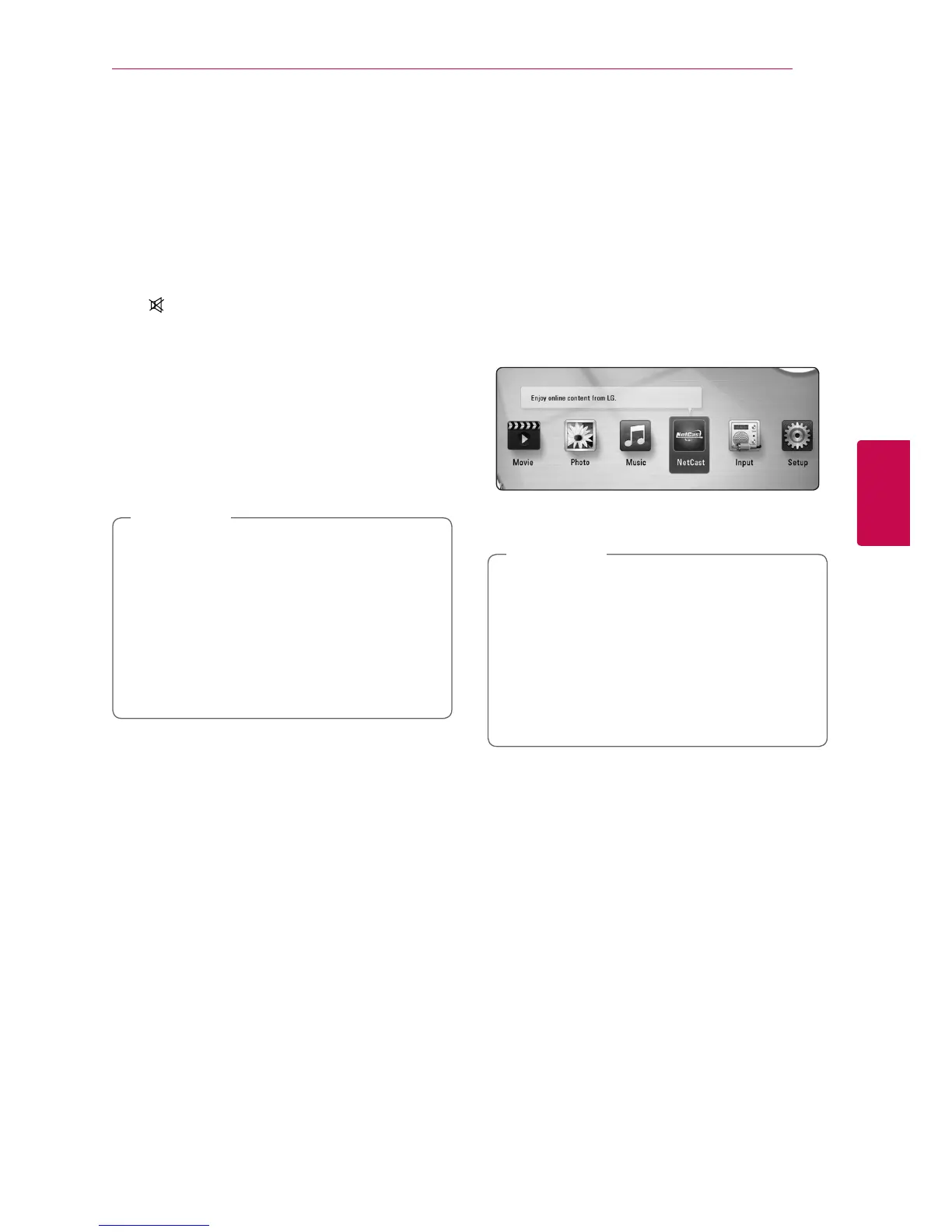
Enjoying the NetCast™
Entertainment Access
You can use various content services via Internet
with the NetCast Entertainment Access feature.
1. Check the network connection and settings
(page 23).
2. Press HOME (
n
).
3. Select the [NetCast] using
A/D
, and press
ENTER (
b
).
4. Select an option using
W/S/A/D
, and press
ENTER (
b
).
y
Detailed information of each service,
contact to the content provider or visit
support link of the service.
y
The content of NetCast services and service
related information, including user interface,
is subject to changes. Please refer to the
web site of each service for most up-to-date
information.
,
Note



 To Next Page