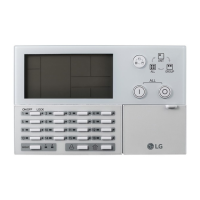
Be sure to read carefully the safety precautions given in data sheet and user’s manual before operating the module
and follow them.
The precautions explained here only apply to the G3F-DA3V/G3F-DA3I, G4F-DA3V/G4F-DA2V, G4F-DA3I/G4F-
DA2I, G6F-DA2V/G6F-DA2I (hereafter, called D/A conversion module)
For safety precautions on the PLC system, see the GLOFA GM3, GM4, GM6 User’s Manuals and the MASTER-
K200S/300S/1000S User’s Manuals.
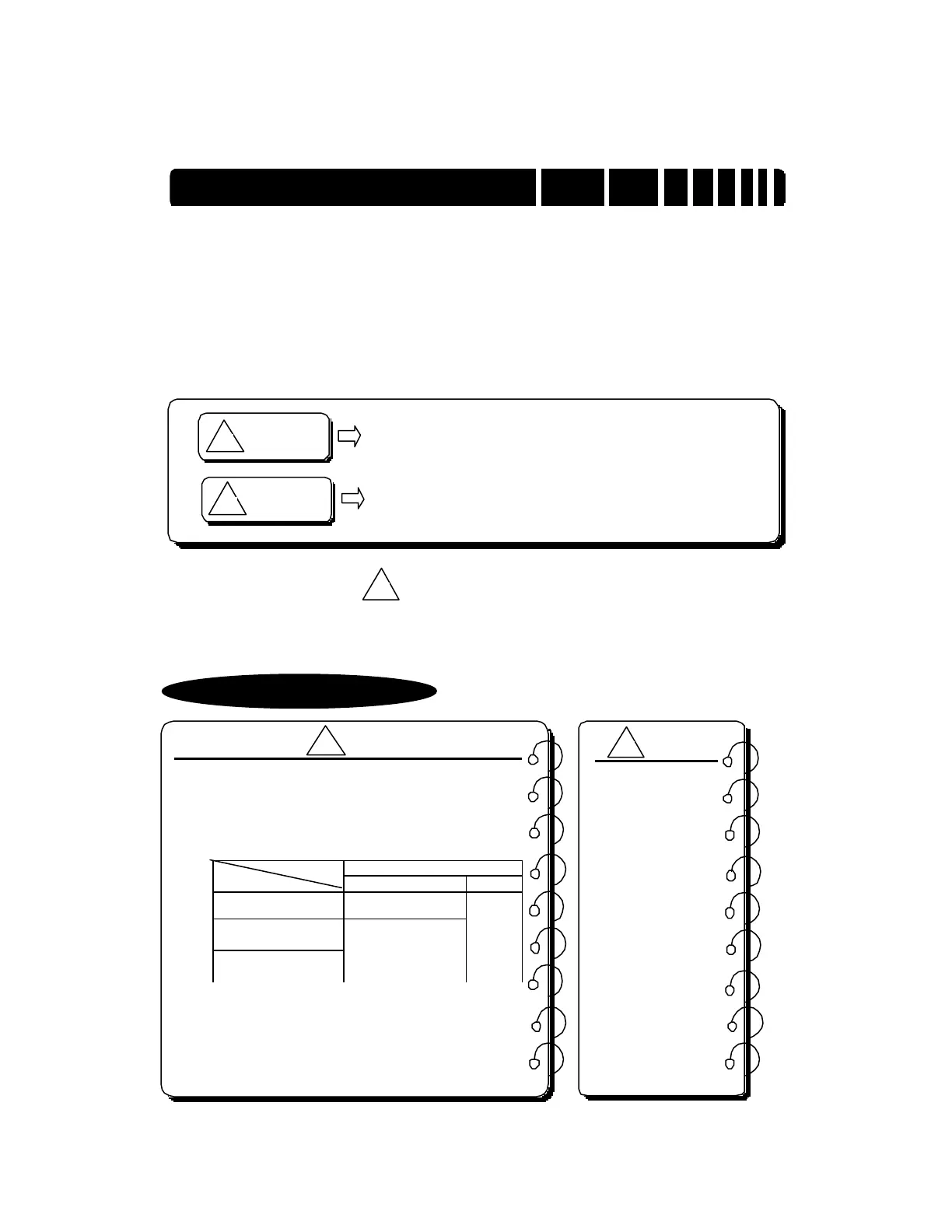
A precaution is given with a hazard alert triangular symbol to call your attention, and precautions are represented
as follows according to the degree of hazard.
However, a precaution followed with can also result in serious conditions.
Both of two symbols indicate that an important content is mentioned, therefore, be sure to observe it.
Keep this manual handy for your quick reference in necessary.
WARNING
If not provided with proper prevention, it can cause death or fatal
injury or considerable loss of property.
CAUTION
If not properly observed, it can cause a hazard situation to result
in severe or slight injury or a loss of property.
CAUTION
CAUTION
▶
Design a safety circuit in the outside of the PLC for system safety in
case of disorder of the external power or PLC module body. Other-
wise, it can cause injury due to wrong output or malfunction.
1) The following shows analog output states according to various
settings of functions that control analog output. When setting an
output state, be cautious for safety.
Channel Specification Channel Setting
State
Used Unused
PLC CPU in RUN state.
A D/A conversion
value is output.
PLC CPU in STOP state
PLC CPU in Error state
Voltage : 0V,
Current : 4mA
Voltage:
0 V
Current:
4mA
2) Sometimes, fault of output device or internal circuit can make
output abnormal. Design a supervising circuit in the outside for
output signals which can cause serious accidents.
CAUTION
▶
Do not run I/O
signal lines near
to high voltage
line or power line.
Separate them as
100 mm or more
as possible. Oth-
erwise, noise can
cause module
malfunction
.



 To Next Page