Settings 132
2
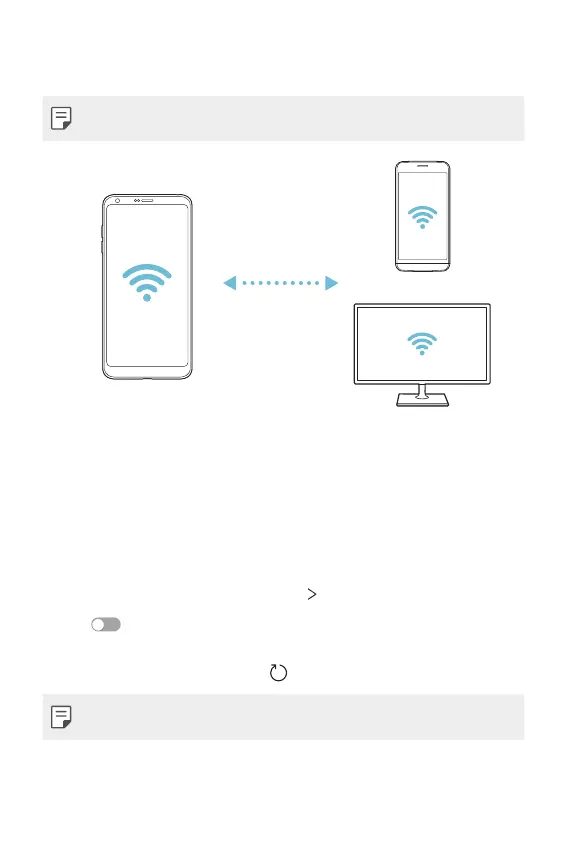
Select a device.
• Connection occurs when the device accepts the connection request.
• The battery may drain faster when using Wi-Fi Direct.
Bluetooth
You can connect your device to nearby devices that support Bluetooth to
exchange data with them. Connect your device to a Bluetooth headset
and a keyboard. This makes it easier to control the device.
Pairing with another device
1
On the settings screen, tap Network Bluetooth.
2
Tap to activate it.
• Available devices appear automatically.
• To refresh the device list, tap
.
• Only devices set as visible are displayed on the list.


 To Next Page