Useful Apps 86
Configuring call options
You can configure various call options.
1
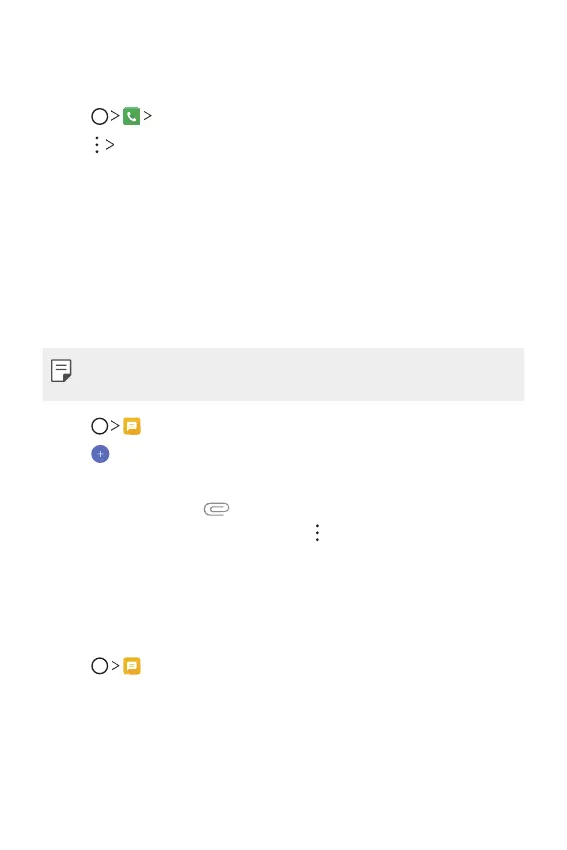
Tap Dial or Call logs.
2
Tap Call settings and then configure the options to suit your
preferences.
Messaging
Sending a message
You can create and send messages to your contacts using the Messaging
app.
• Sending messages abroad may incur additional charges. Consult with
your service provider for more information.
1
Tap .
2
Tap .
3
Specify a recipient and create a message.
• To attach files, tap
.
• To access optional menu items, tap
.
4
Tap Send to send the message.
Reading a message
You can view exchanged messages organised by contact.
1
Tap .
2
Select a contact from the message list.



 To Next Page