Basic Functions 71
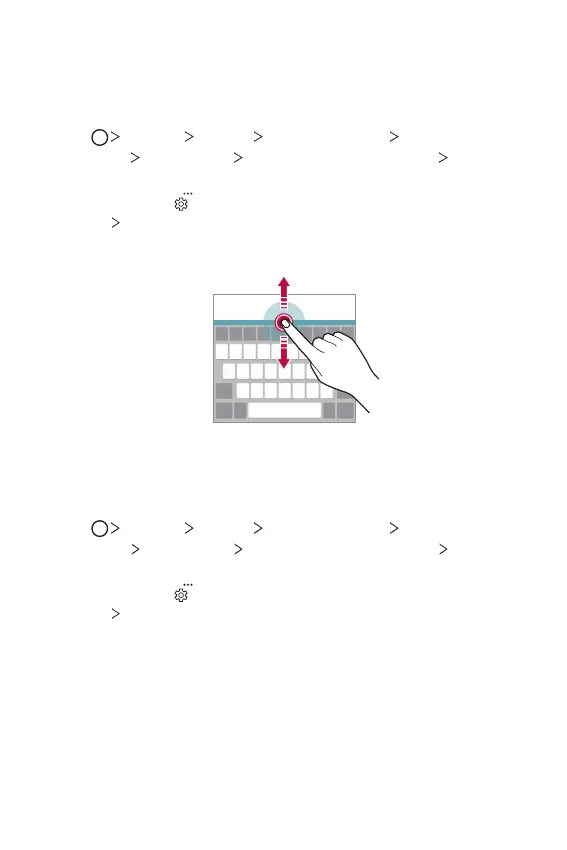
Customising the keyboard height
You can customise the keyboard height to maximise hand comfort when
typing.
1
Tap Settings General Language & input On-screen
keyboard
LG Keyboard Keyboard height and layout Keyboard
height.
You can also tap
on the keyboard and tap Keyboard height and
layout
Keyboard height.
2
Adjust the keyboard height.
Selecting a landscape keyboard mode
You can select a landscape keyboard mode from several choices.
1
Tap Settings General Language & input On-screen
keyboard
LG Keyboard Keyboard height and layout Keyboard
type in landscape.
You can also tap
on the keyboard and tap Keyboard height and
layout
Keyboard type in landscape.
2
Select a keyboard mode.


 To Next Page