Useful Apps 84
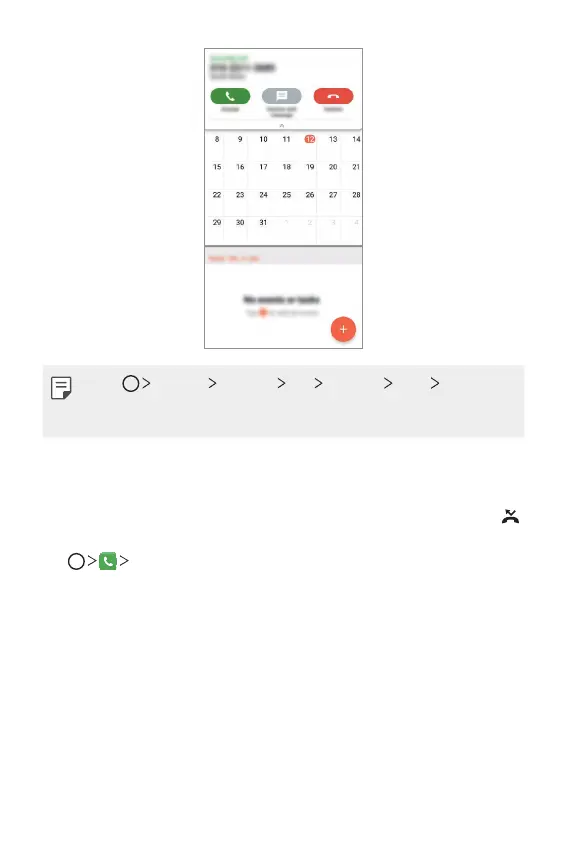
• Tap Settings Network Call Common More Incoming
voice call pop-up and then select the desired way you would like to
display the incoming call while using an app.
Viewing missed calls
If there is a missed call, the status bar at the top of the screen displays .
To view missed call details, drag the status bar downwards. You can also
tap
Call logs.
Functions accessible during a call
During a call, you can access a variety of functions by tapping the
on-screen buttons:
• Contacts: View the contact list during a call.
• End: End a call.
• Dialpad: Display or hide the dial pad.



 To Next Page