Useful Apps 89
Taking a photo
1
Select a camera mode and tap the subject to focus the camera on.
2
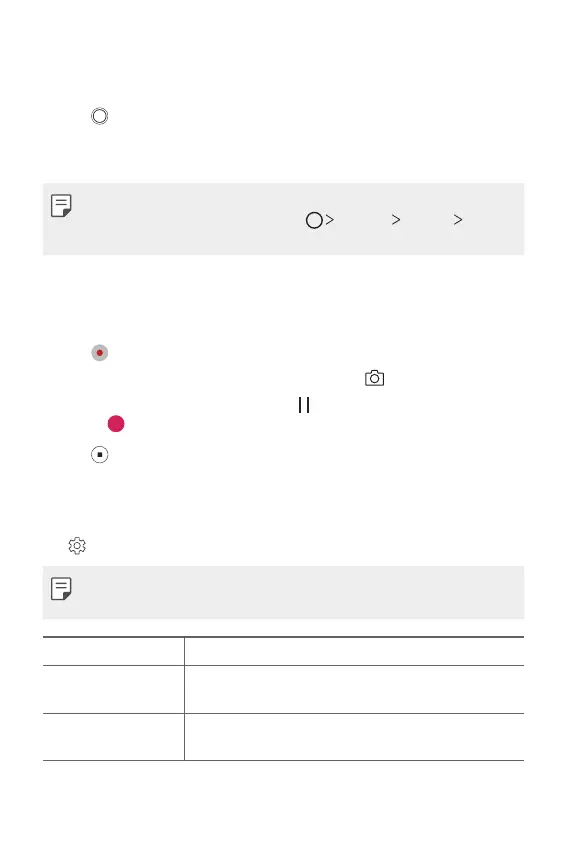
Tap to take a photo.
• You can also press the Volume Down (-) or Volume Up (+) key to
take a photo.
• When the screen is turned off or locked, start the camera by pressing
the Volume Down (-) key twice. Tap
Settings General
Shortcut keys.
Recording a video
1
Select a camera mode and tap the subject to focus the camera on.
2
Tap .
• To take a photo while recording a video, tap
.
• To pause the video recording, tap
. To resume the video recording,
tap
.
3
Tap to end the video recording.
Customising the camera options
You can customise a variety of camera options to suit your preferences.
Tap
on the screen.
• Available options vary depending on the selected camera (front or rear
camera) and the selected camera mode.
Photo size Select values for aspect ratio and size for taking photos.
Video resolution
Select values for resolution and size for recording
videos.
Camera roll
Display your recent photos and videos along the side of
the screen.



 To Next Page