Useful Apps 95
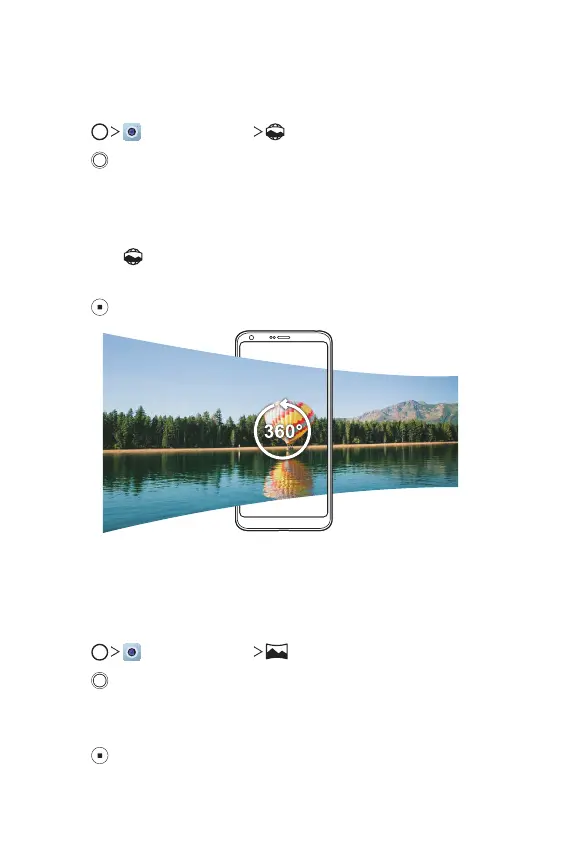
360 Panorama
You can create a 360° panorama photo by moving the camera in one
direction.
1
Tap , then tap MODE .
2
Tap and then slowly move the camera in one direction.
• Move the device by following the direction of the arrow in the
guideline.
• A 360 panorama photo is automatically saved on the Gallery.
• Touch
and drag the screen up or down from the Gallery to view a
360 panorama photo from various angles.
3
Tap to stop capturing the 360 panoramic.
Panorama
You can create a panoramic photo by moving the camera in one direction
to photograph and stitch continuous shots of a wide view.
1
Tap , then tap MODE .
2
Tap and then slowly move the camera in one direction.
• Move the device by following the direction of the arrow in the
guideline.
3
Tap to stop capturing the panoramic.


 To Next Page