16
Getting to know your phone
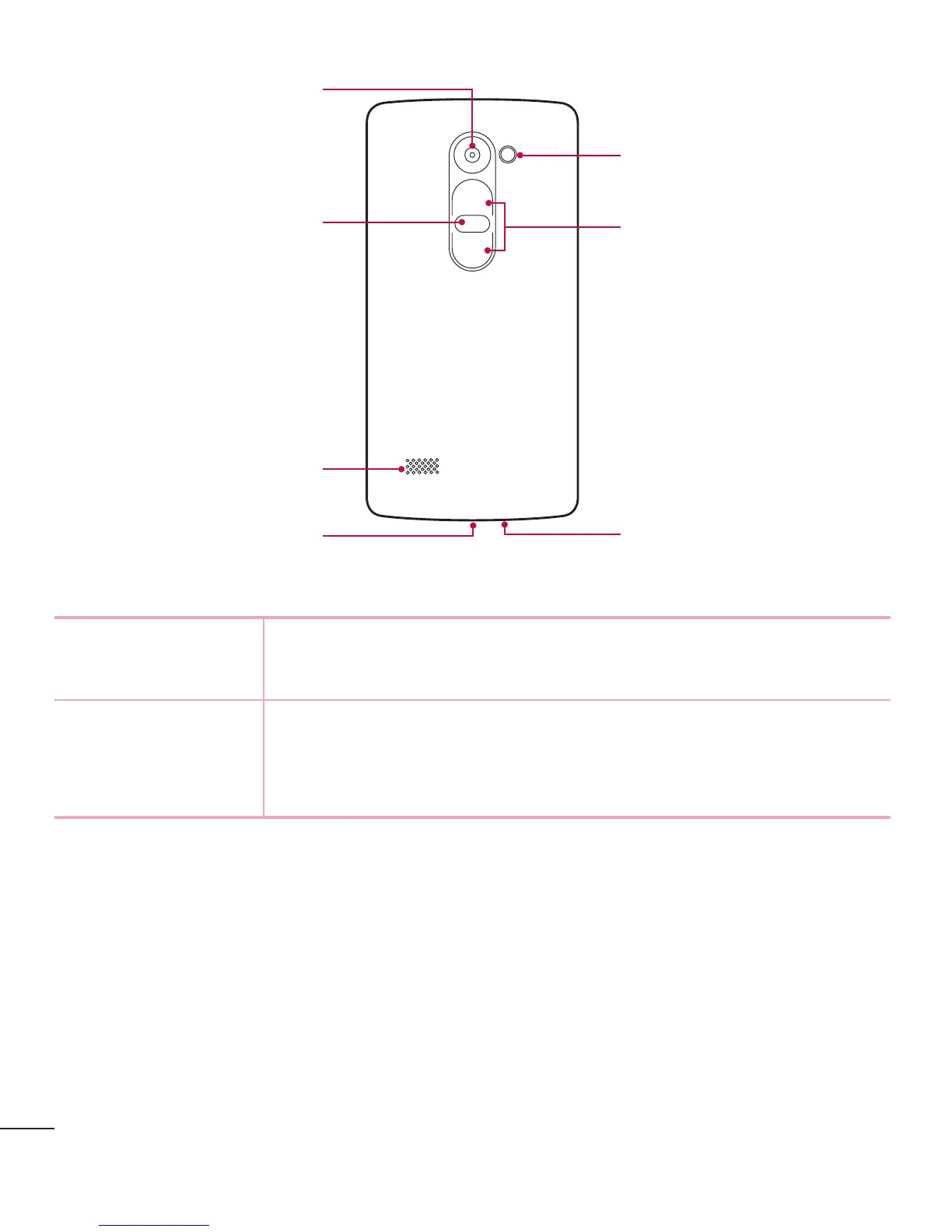
Microphone
Volume Buttons
Charger/USB port
Power/Lock Button
Rear Camera Lens
Speaker
Flash
Power/Lock
Button
• Turnyourphoneon/offbypressingandholdingthisbutton
• Shortpresstolock/unlockthescreen
Volume Buttons (While screen is off)
• LongPressUptolaunchQuickMemo+
• LongPressDowntolaunchCamera



 To Next Page