51
Camera and Video
Recording a video
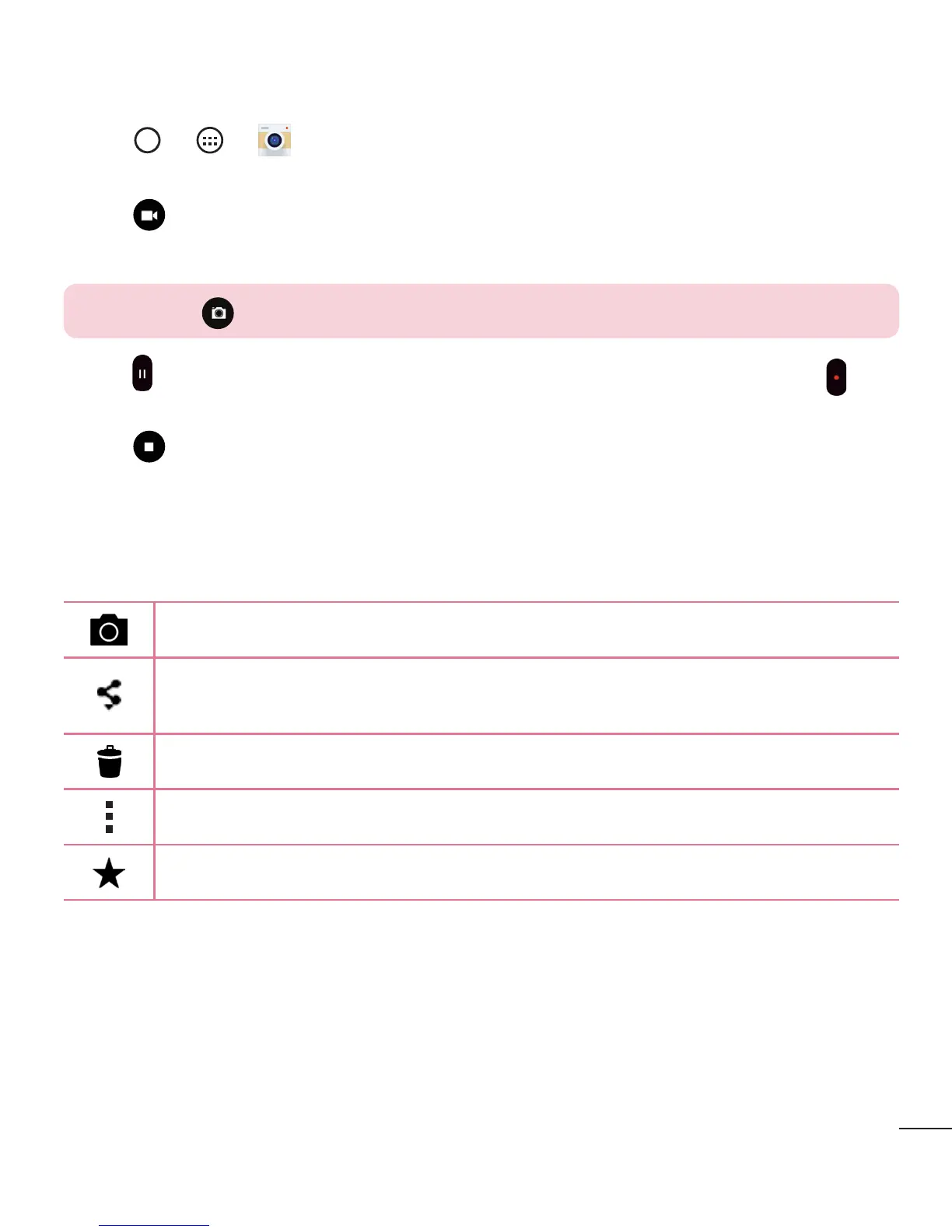
1 Tap > > .
2 Frameyoursubjectonthescreen.
3 Tap tostartrecordingthevideo.
4 Thelengthoftherecordingisdisplayedonthetopofthescreen.
NOTE: Tap to take pictures while recording video.
5 Tap topauserecordingvideo.Youcanresumerecordingagainbytapping .
OR
Tap tostoprecording.YourvideowillbeautomaticallysavedtotheGallery.
After recording a video
Tapthevideothumbnailonthescreentoviewthelastvideoyourecorded.
Taptorecordanothervideoimmediately.
Taptoopentheavailablesharingoptions(suchasMessagingorBluetooth)
toshare.
Taptodeletethevideo.
Taptoaccessadditionaloptions.
TaptoaddthevideotoFavourites.
Multi-point Auto Focus
Whenyoutakeapicture,theMulti-pointAutoFocus(AF)functionoperates
automaticallyandwillallowyoutoseeaclearimage.



 To Next Page