49
Camera and Video
Capture –Taptotakeaphoto.
Back Key –Taptoexitthecamera.
Using the advanced settings
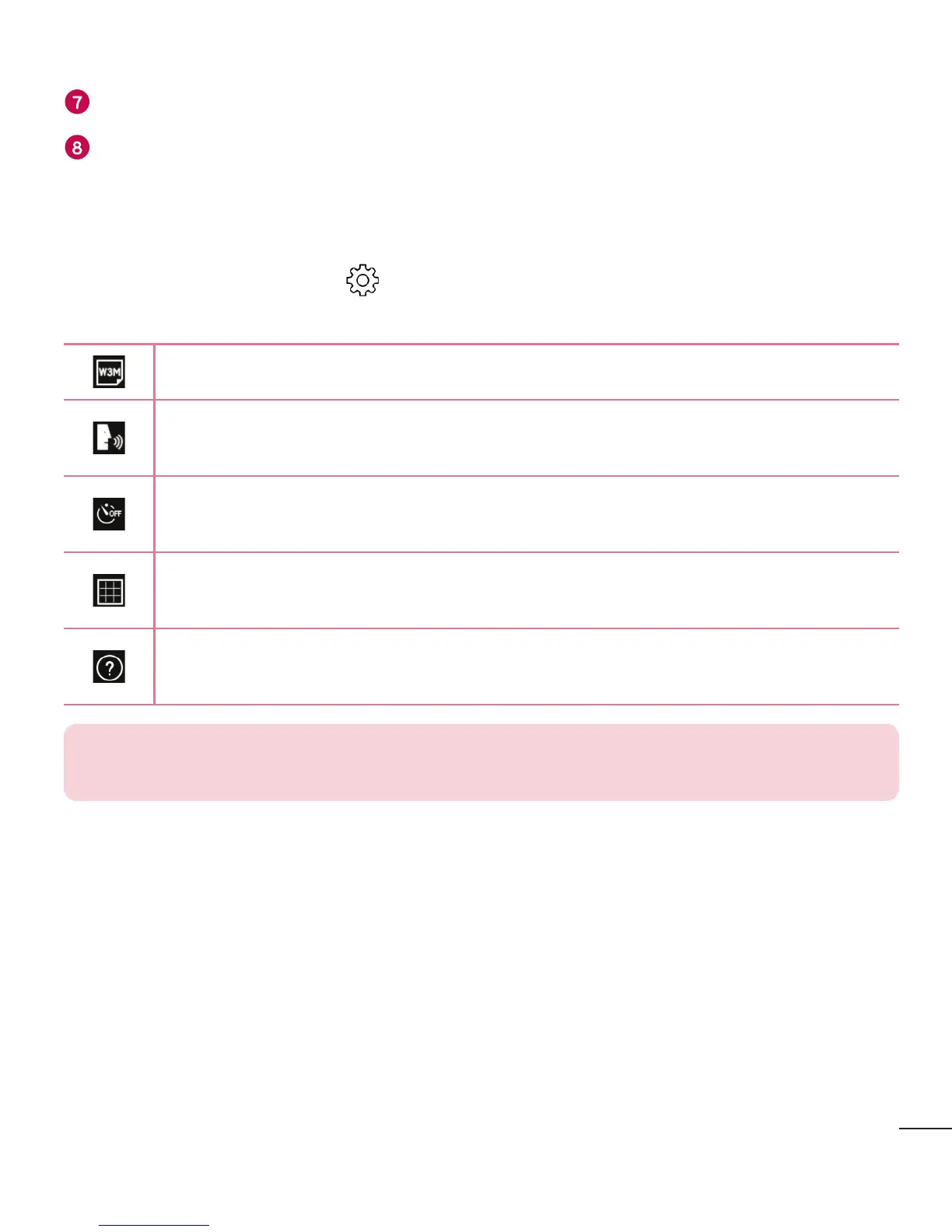
Inthecameraviewfinder,tap toshowtheadvancedoptions.Tapeachiconto
adjustthefollowingcamerasettings.
Setthesizeofyourpictureandvideo.
Allowsyoutotakepictureswithvoicecommands.Whenon,youjustsay
"Cheese","Smile","LG",etc.totakeapicture.
Setyourcamera'stimer.Thisisidealifyouwanttobeapartofthepicture
orvideo.
Allowsyoutotakebetterpicturesandrecordbettervideosbydisplayinga
gridlineforhelpwithalignment.
Allowsyoutolearnhowafunctionworks.Thisiconwillprovideyouwitha
helpguide.
NOTE: The shutter sound is not available when Vibrate mode or Silent mode
is enabled.



 To Next Page