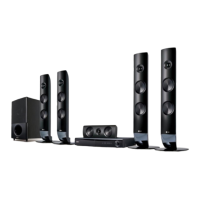
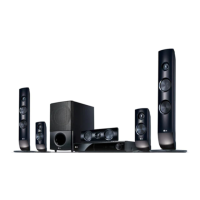
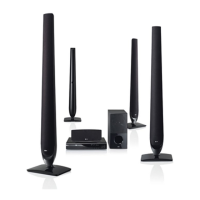
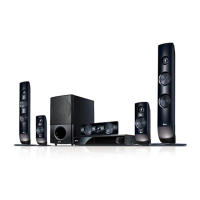
Front panel
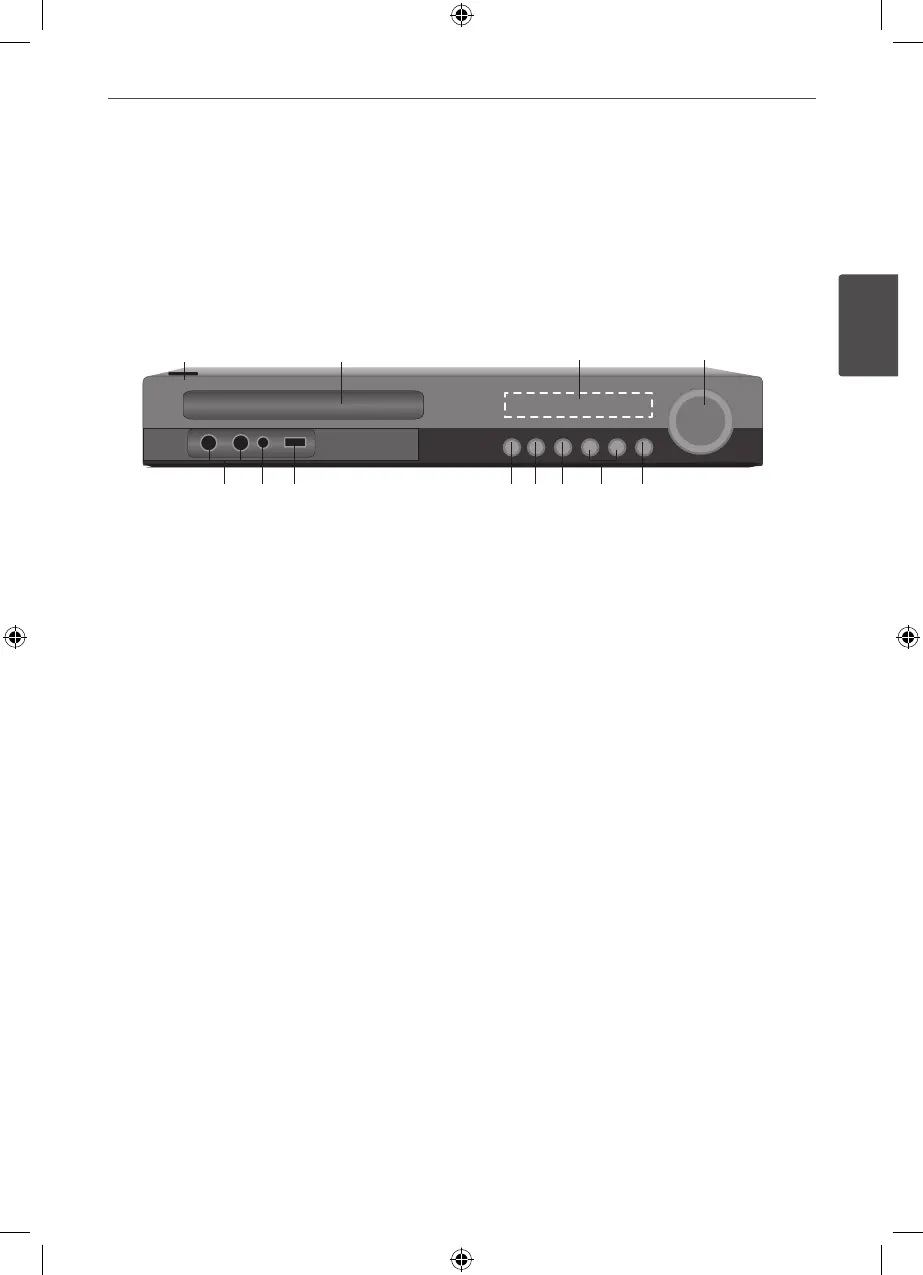
a
1/\
(POWER)
Switches the unit ON or OFF.
b
Disc Tray
c
Display window
Shows the current status of the unit.
d
VOLUME
Adjusts speaker volume.
e
F (FUNCTION)
Changes the input source or function.
f
.
/
>
(SKIP)
Goes to next or previous le/track/chapter.
Searches backward or forward
(Press and hold)
Tunes in the desired radio station.
g
x
(STOP)
Stops playback.
h
N
/
X
(PLAY / PAUSE)
Starts playback.
Pauses playback temporarily, press again to
exit pause mode.
i
OPEN/CLOSE (
Z
)
Opens or closes the disc tray.
j
USB Port
Connects a USB device.
k
PORT. IN
Connects to a portable player with audio
outputs.
l
Microphone jacks 1/2
a b c d
l kj ihg f e


 To Next Page