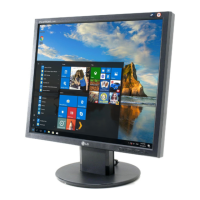
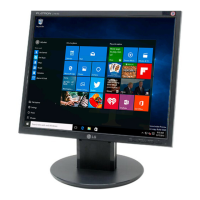
Connecting the Display
A5
To remove the Stand Base:
1.
Hold the body of the Stand as it
follows.
3. Put the Stand Base on a flat surface and
pull up the body of the Stand while
holding the Stand Base with the other
hand. to remove.
4. The body of the Stand and the Stand
Base are successfully separated.
2. Press the two latches at the same
time as it follows.


 To Next Page
 Loading...