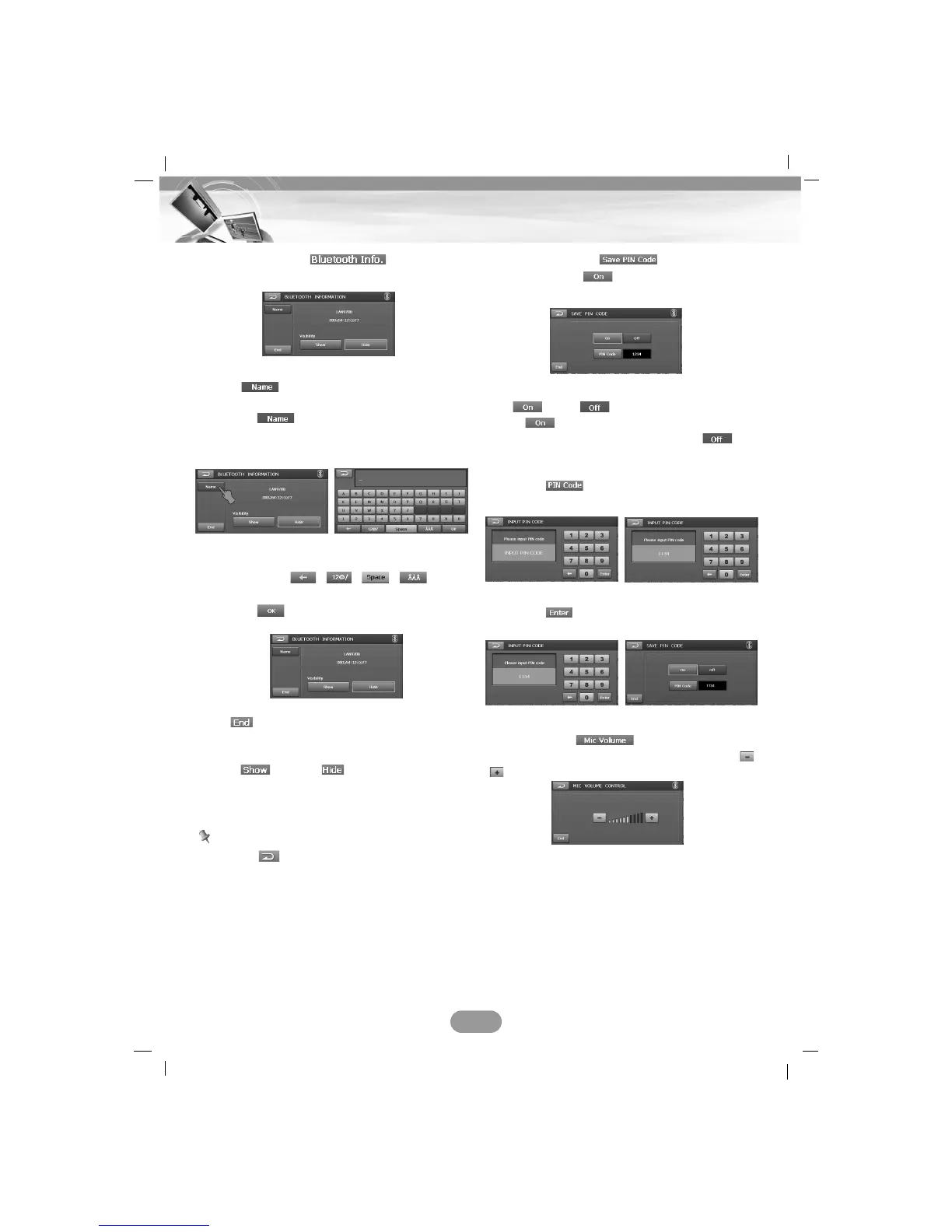
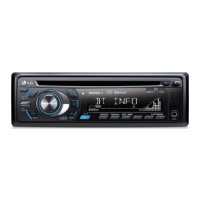
Bluetooth Info. ( )
You can check the Bluetooth phone information.
Name ( )
You can change the Bluetooth phone name.
1. Touch and the “BLUETOOTH
INFORMATION” screen displays in the
screen.
2. Change the Bluetooth phone name using
the keypad, , , , .
3. Touch .
End ( )
You can move to the “PHONE” screen.
Show ( )/ Hide ( )
You can select whether bluetooth phones are
able to search the LAN9700R or not.
Note
Touch the button in the current screen to
exit previous screen.
Save PIN Code ( )
You must select to connect successfully
your unit and bluetooth phone.
On ( )/Off ( )
Touch if you want to connect your unit
and bluetooth phone. Unless, touch
.
Changing the PIN code
1. Touch . And then input the PIN
code you want to change.
2. Touch and the changed PIN code
appears.
Mic Volume ( )
Adjust the microphone volume by touching
/.
45
Bluetooth operation


 To Next Page