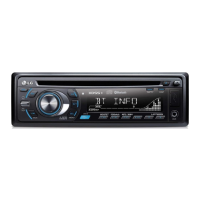
8
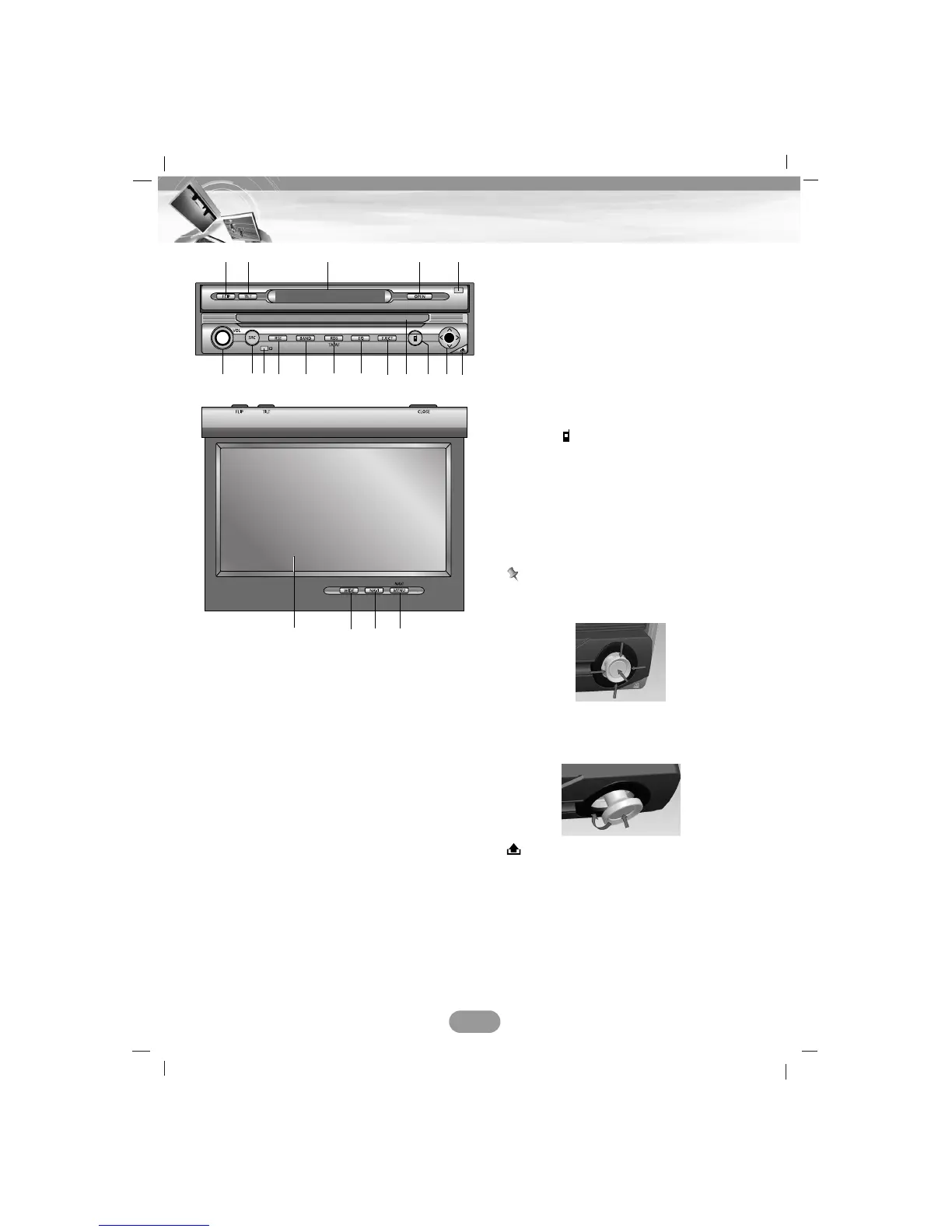
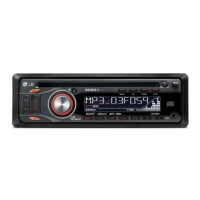
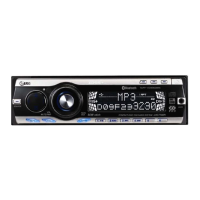
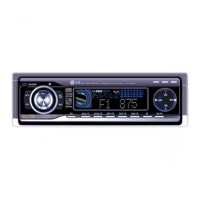
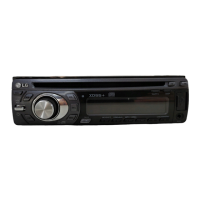
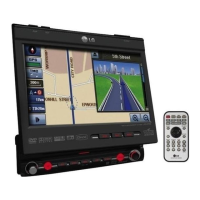
Control Panel/Monitor
1. FLIP
Turns the LCD panel horizontally temporarily
when the LCD panel is upright.
2. TILT
Adjusts the monitor angle.
3. Display window
4. OPEN/CLOSE
Opens (or Closes) the monitor.
5. DIMMER SENSOR
6. Volume knob (VOL)
• Adjusts the volume.
• Power on (Press it.)
• Power off (Press a long time.)
• Mute (Press a short time.)
7. SRC (Source)
Changes the sources.
8. Remote sensor
9. RSE (Rear Seat Entertainment)
10. BAND
Selects the band.
11. RDS
• Selects the TA on/off.
(Press a short time.)
• Selects the AF on/off.
(Press a long time.)
12. EQ
Selects various equalizer curves.
13. EJECT
Ejects a disc from the unit.
14. Disc slot
15. PHONE ( )
Selects the bluetooth mode.
16. Arrow keys (up/down/left/right)
• Selects the folders.
• Selects the menu.
• Skip (Push a short time.)
• Seek (Push a short time.)
• Enter
Notes
• Don’t apply excessive force to the 5-way
button may not work normally.
•When the 5-way button does not return
to the center automatically, move it to the
center position manually.
17.
Detaches the control panel.
18. LCD
19. WIDE
Changes the screen mode.
20. NAVI
Moves to the map screen.
21. NAVI MENU
Moves to the navigation menu.
6879101112 13 1514 1617
1918 20 21
12 3 4 5


 To Next Page