Ring
7008D User Guide | Ring 31
Type
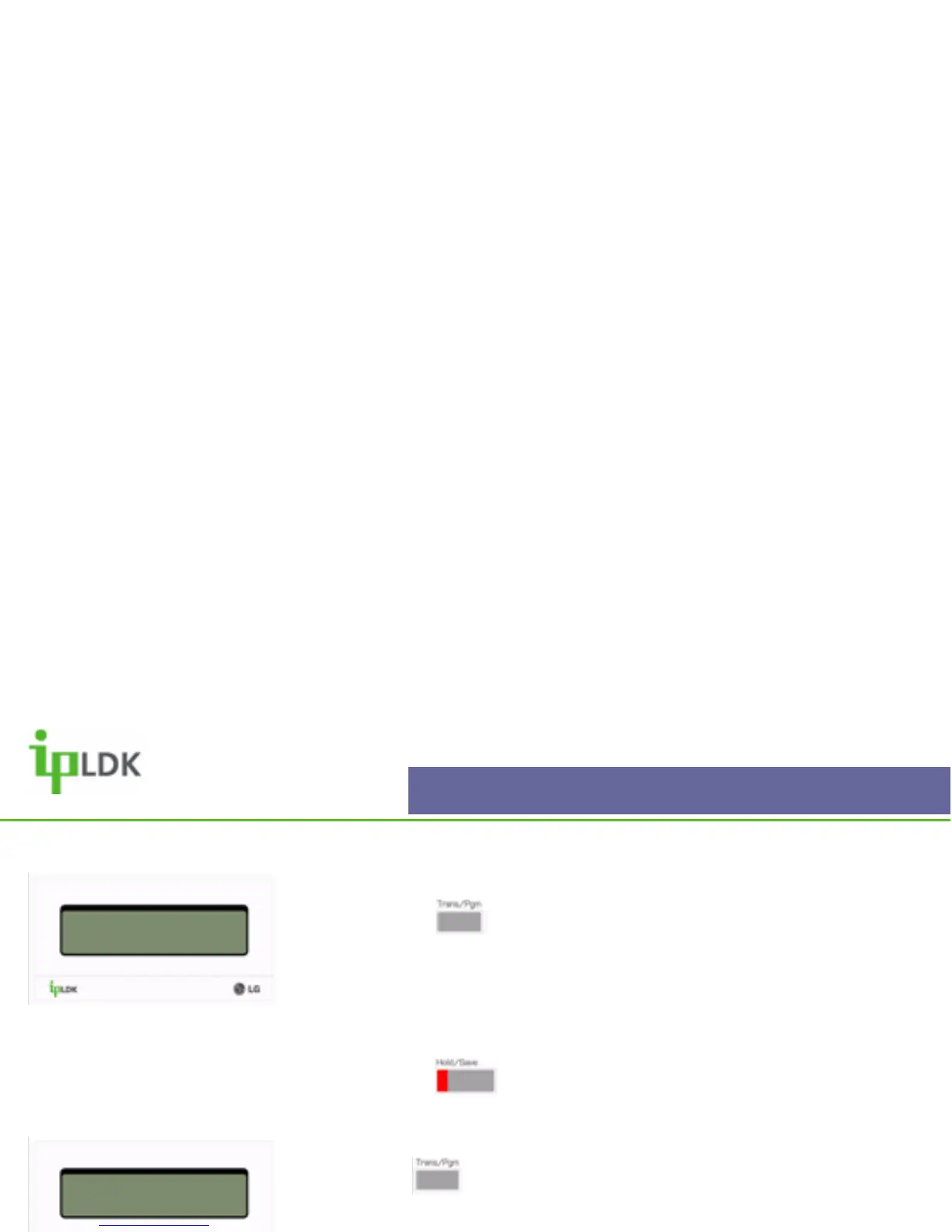
1. Press the button and select option [1] RING followed
by option [1] TYPE. (Your display should look as per Fig.30).
2. The screen shows the current active ring
3. Choose options 1-4 to change to general ring cadence for
your 7008D Digital Telephone.
4. Press the button to confirm the change.
Answer Mode
Press the button and select option [1] RING followed by
option [2] ANSWER MODE. (See Fig.32)
(1) Handsfree – In this mode you will receive 3 short bursts of
tone from your handset for intercom calls before being
connected in a full handsfree conversation.
(2) Tone – This is the default answer mode for intercom calls
to your handset. You will receive normal ringing.
(3) Privacy – In this mode you will receive 3 short bursts of
tone from your handset for intercom calls. The caller will then
be able to announce themselves to you but will not be able to
hear anything at your end of the call
RING TONE
DIAL 1-4: 01
Fig.30
ENTER ICM ANS MODE
H(1) T(2) P(3)
Fig.31



 To Next Page