18
System Operation
1. Press and hold 1 (POWER) button until the beep
sounds to turn on the unit. System booting will
commence. The LG logo image will be displayed
on the main monitor during the system booting.
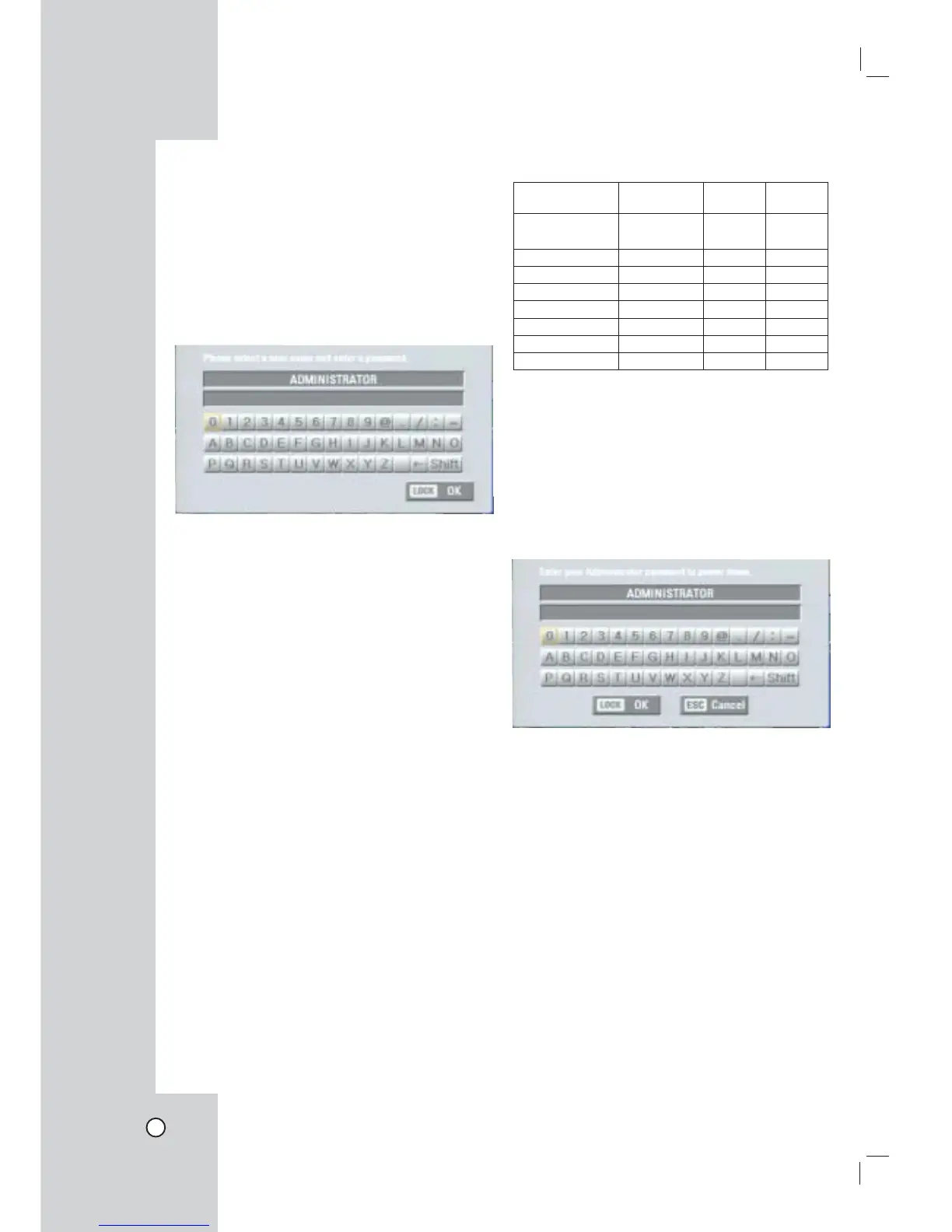
2. When the booting is completed the login window
will be displayed.
Select a user ID by using the mouse or arrow and
the ENTER button on the remote control or front
panel.
- ADMINISTRATOR: Unlimited operation of the
unit.
- Power User: Use of the limited functions of the
system. (The setup configuration is not
allowed to change.)
- Normal User: Use of the limited functions of
the system. (Split monitor and live image view
are available.)
3. Enter the password by using the virtual keyboard.
(Initial password is “000000”.)
4. Press LOCK or click the OK(LOCK) icon.
You can see the live screen and operate the sys-
tem.
Notes:
• You are not allowed to connect the VGA moni-
tor and the composite monitor simultaneously.
Consequently, the user is obliged to choose either
the composite monitor or the VGA monitor. When
set to composite monitor there is no VGA output.
When set to VGA monitor there is no composite
output. SPOT-OUT is unaffected by the monitor
setting.
• This DVR is based on a VGA monitor using OSD.
We recommend to using the VGA monitor with this
unit. If you use a composite monitor, the OSD qual-
ity may lower to read it.
• User access rights
User Level Administrator
Power
User
Normal
User
View
Live Video
YES YES YES
Alarm Off YES YES YES
PTZ YES YES YES
Instant Record YES YES YES
Export YES YES NO
Search/Play YES YES NO
Setup YES NO NO
Shut Down YES NO NO
System Shutdown
1. First, you must stop playback and exit the setup
menu.
In playback, press STOP.
2. Press and hold 1 (POWER) button until the beep
sounds and the logout window will be displayed.
3. Enter the password by using the virtual keyboard.
4. Press LOCK or click the OK(LOCK) icon.
The system will shutdown.


 To Next Page