Phone Settings 76
Bluetooth tethering
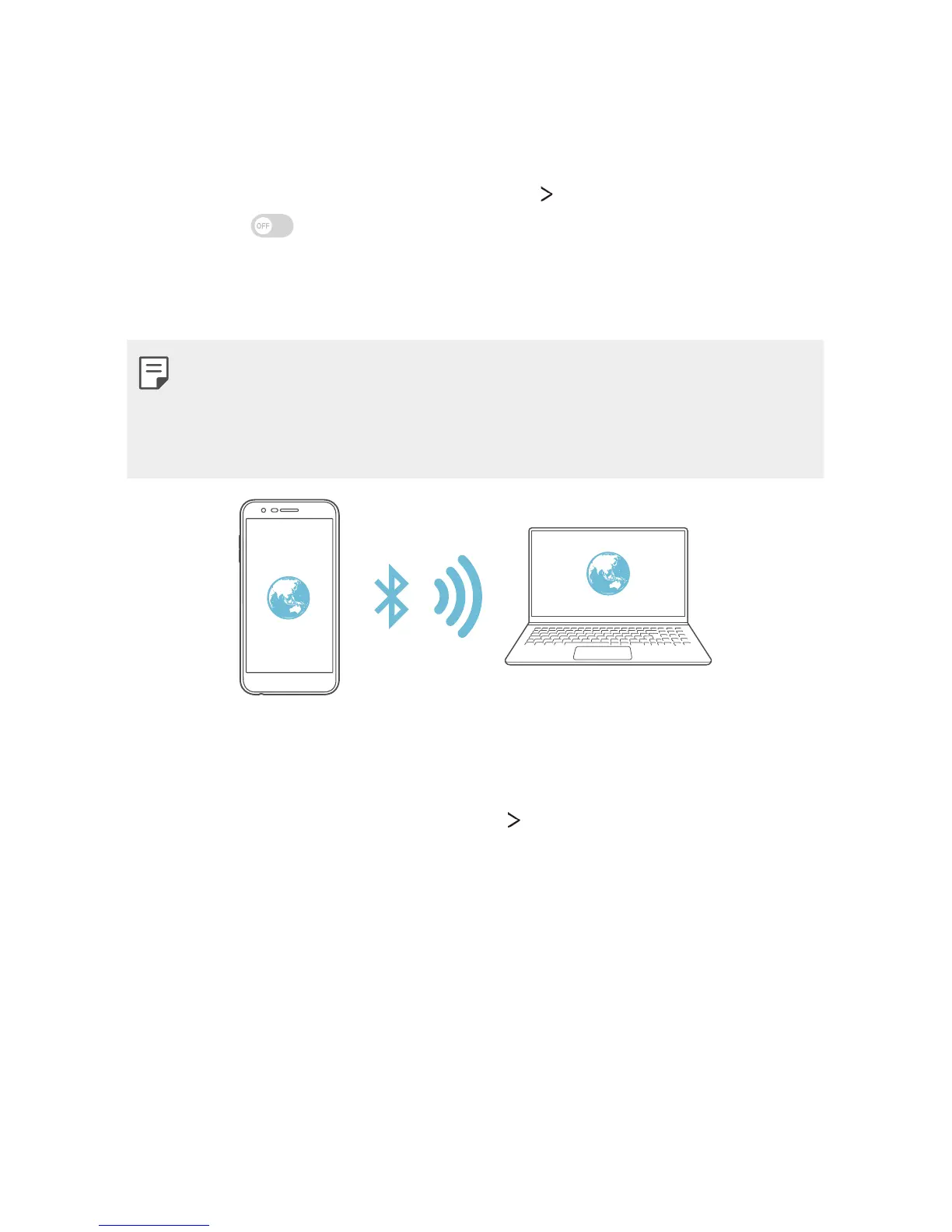
A Bluetooth-connected device can connect to the internet by using
your device's mobile data.
1
On the settings screen, tap Tethering Bluetooth tethering and
then tap
to activate it.
2
Turn on Bluetooth on both devices and pair them.
3
Connect to the mobile network on the paired device.
• This option uses mobile data and may incur data usage fees,
depending on your pricing plan.
• More information is available at this web site:
http://www.android.
com/tether#Bluetooth_tethering
Help
You can view help on using tethering and hotspots.
On the settings screen, tap Tethering
Help.


 To Next Page
 Loading...