25
OPERATION
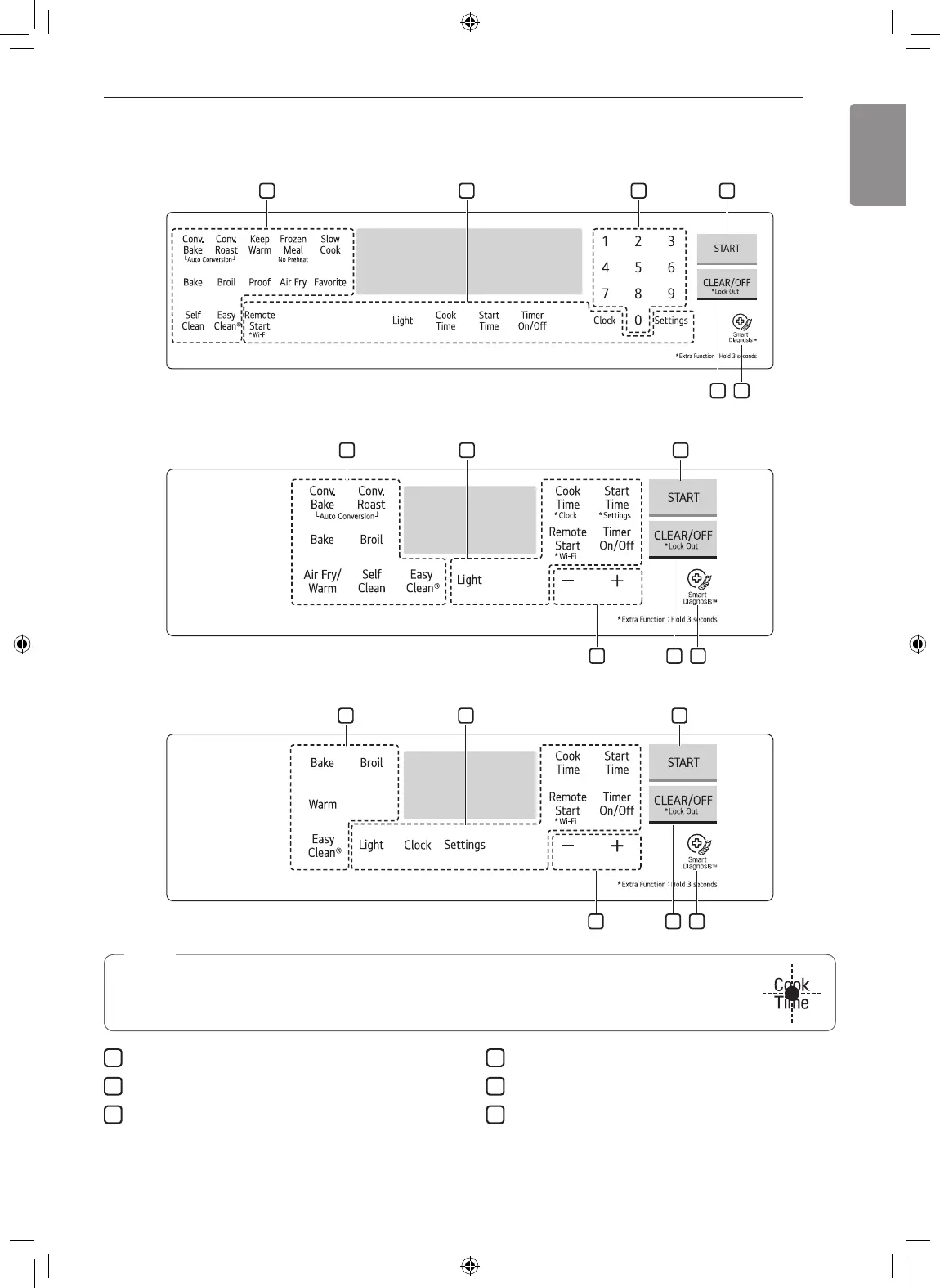
Control Panel Overview
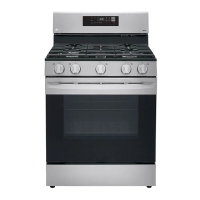
Model LRGL5825*
Model LRGL5823*
Model LRGL5821*
NOTE
For best results, press buttons in the center, even when activating a button's secondary function.
The buttons may not work properly if pressed too far from the center.
1
Features
2
Oven Controls
3
Number Buttons or +/- Buttons
4
Start Button
5
Clear Off / Lockout Button
6
Smart Diagnosis
TM
Flashing Time
If your oven displays a flashing clock, press Clock or press any key to stop the flashing.



 To Next Page