26
Lock Mode
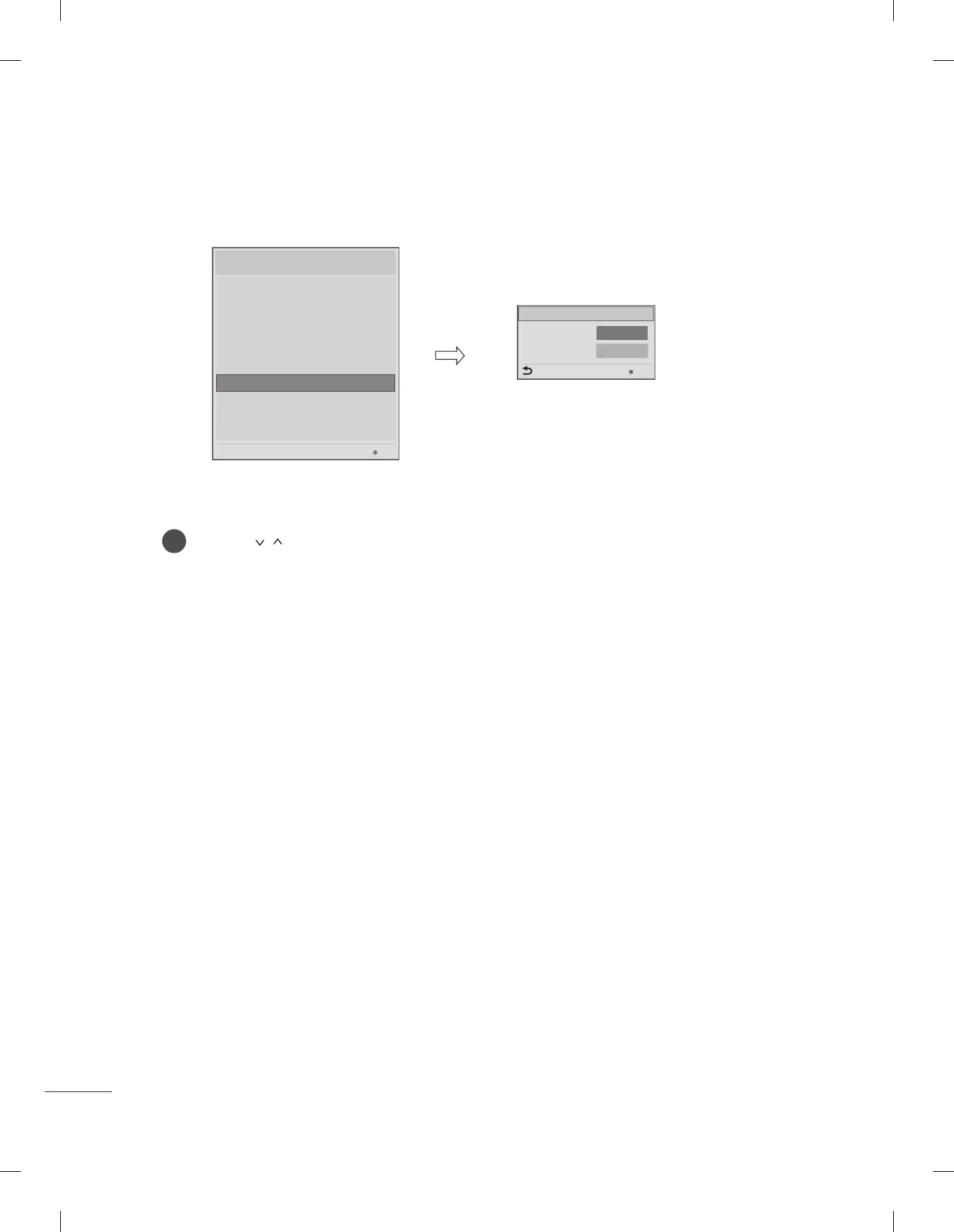
Use the button to select the Lock Mode.
1
- If 'Lock Mode' items are disabled, the following features will be unavailable.
y
Data Service(Teletext, EPG, Sub-Title, Caption (Include MPEG4), MHEG)
y
USB Enable(Exclude S/W update)
y
Factory Reset
Data Service
USB
◄
Enable
►
Enable
Previous
Lock Mode
OK
Installation Menu (V 3.0)
LG Hotel Mode Setup
TV Manager
Password Change
Set ID Setup
Configuration Setup
Multi Timer
Lock Mode
External Speaker
HCEC Setup
IR Setup
Lock Mode
OK
S/W : 02.00.00.01 Micom : 0.00.84


 To Next Page