7
PREPARATION
STAND INSTALLATION
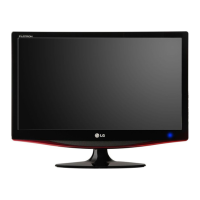
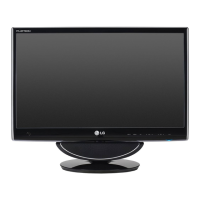
■ The image shown may be somewhat different from your set.
Carefully place the product screen side down on a
cushioned surface that will protect product and
screen from damage.
Insert the stand base into the product.
Use a Coin on the bottom of the stand base
and turn the screw clockwise to tighten.
1
2
3
<M2762DP>
Stand Base
Coin


 To Next Page
 Loading...