8
PREPARATION
PREPARATION
DETACHING STAND
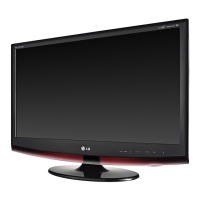
■ The image shown may be somewhat different from your set.
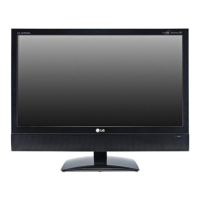
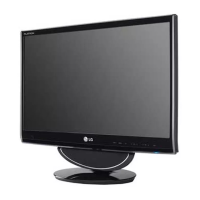
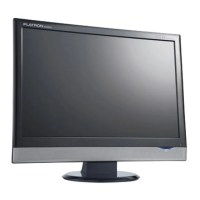
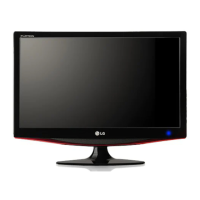
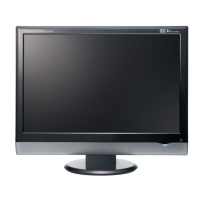
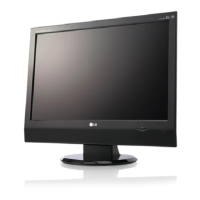
<M1962DP/M2062DP/M2262DP/M2362DP>
Place the set screen side down on a cushion
or soft cloth.
Detach the monitor to the Stand Base by
turning the screw to the left.
Turn the Stand Base Lock through 90° to separate the Stand Base from the Stand Body.
Pushing Latch inside, Take the stand base from stand body.
1 2
3
4
Latch


 To Next Page
 Loading...