Useful Apps 73
• When using the front camera, you can adjust the filter and skin tone.
Various camera modes
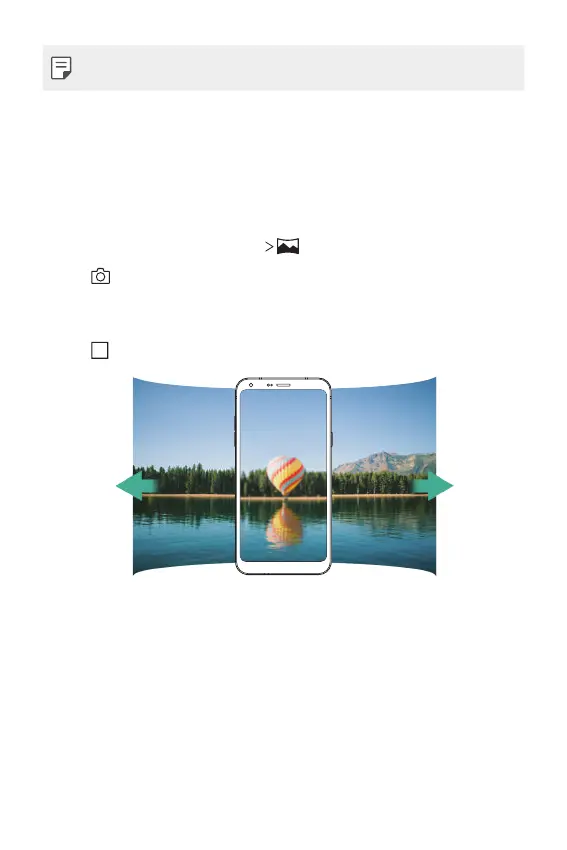
Panorama
You can create a panoramic photo by moving the camera in one direction
to photograph and stitch continuous shots of a wide view.
1
In the AUTO mode, tap MODE .
2
Tap and then slowly move the camera in one direction.
• Move the device by following the direction of the arrow in the
guideline.
3
Tap to stop capturing the panoramic.



 To Next Page