Useful Apps 74
Food
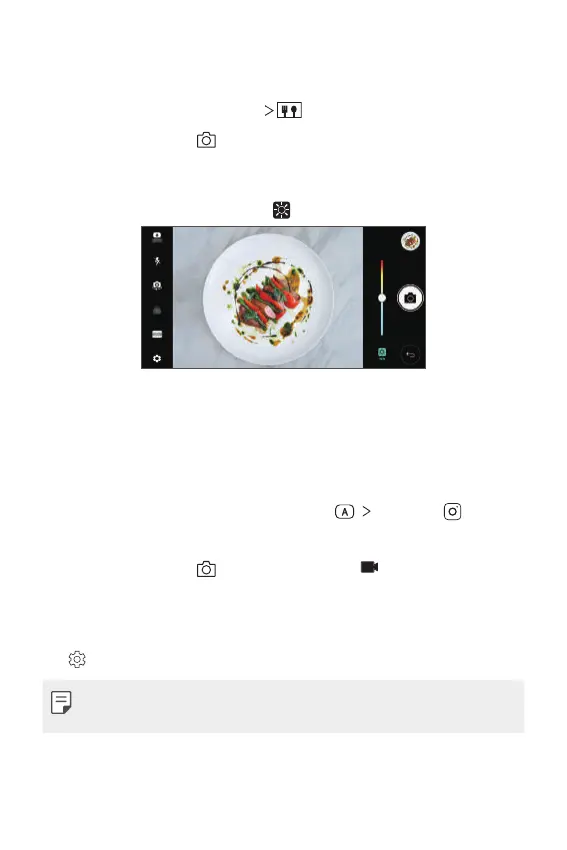
You can take a photo using the control slide bar on the right of the screen.
1
In the AUTO mode, tap MODE .
2
To take a photo, tap .
• Drag the colour slide bar on the screen to adjust the white balance
and select the best colour.
• If the slide bar is invisible, tap
to adjust the white balance.
SQUARE camera mode
You can take multiple photos or videos in the form of a collage by using
the front and rear cameras. Photos and videos can be saved with different
layouts.
1
Launch the Camera app, then tap AUTO ( ) SQUARE ( ).
2
Tap MODE and select the desired camera mode.
3
To take a photo, tap . To record a video, tap .
Customising the camera options
You can customise a variety of camera options to suit your preferences.
Tap
on the screen.
• Available options vary depending on the selected camera (front or rear
camera) and the selected camera mode.



 To Next Page