ENGLISH
7
Using
1. How to Register (Pair) or Deregister (Unpair)
How to Register (pair) the Magic Remote
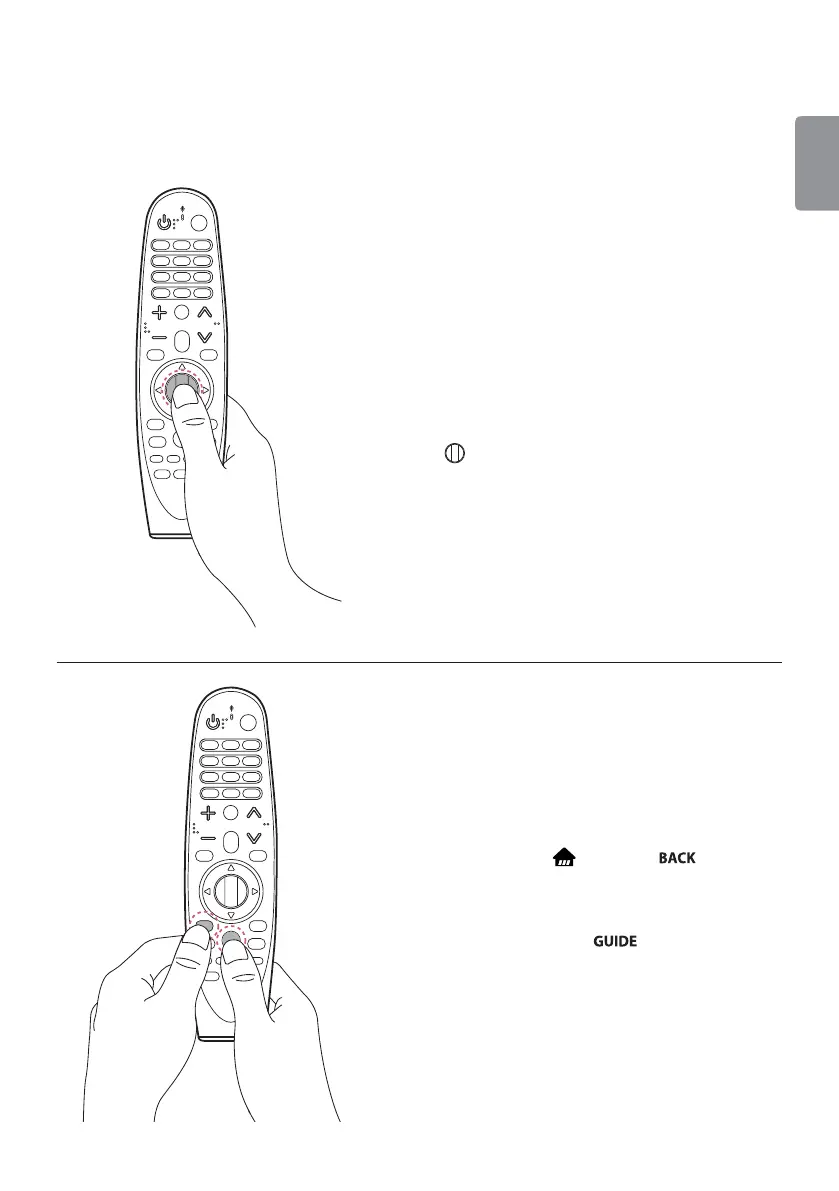
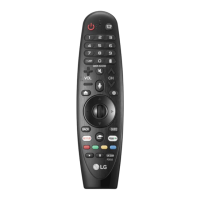
To use the Magic Remote, first pair it with your TV.
1 Put batteries into the Magic Remote and turn the
TV on.
2 Point the Magic Remote at your TV and press the
Wheel (OK) on the remote control.
- If the TV fails to register the Magic Remote, try again
after turning the TV off and back on.
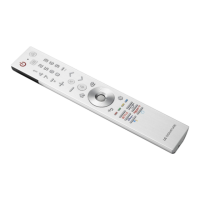
How to Deregister (unpair) the Magic Remote
Press and hold the (Home) and buttons at
the same time for five seconds, to unpair the Magic
Remote with your TV.
Ţ Pressing and holding the
button will let you
cancel and re-register Magic Remote at once.



 To Next Page