24
Sweet Menu
Cook
Press STOP/CLEAR.
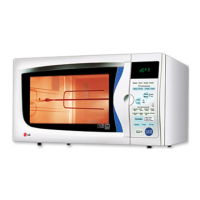
Press SWEET MENU.
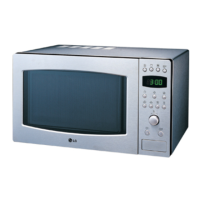
Turn DIAL until display shows “Sc 1”.
Press START for category confirmation.
SWEET MENU cook allows you to cook
most of your favorite food easily by
selecting the food type.
When you use sweet menu, the oven is
operated on preheating mode first and
then cook the food at the preset
temperature and cooking time.
In the following example I will show you how to cook 40pieces of Baklawa.
Press START once more.
Preheating will be started with displaying “ Pr-H” after the preheating
is over, the food in the oven is cooked at a temperature of 150˚C for
40 minutes



 To Next Page