Auto
Reheat
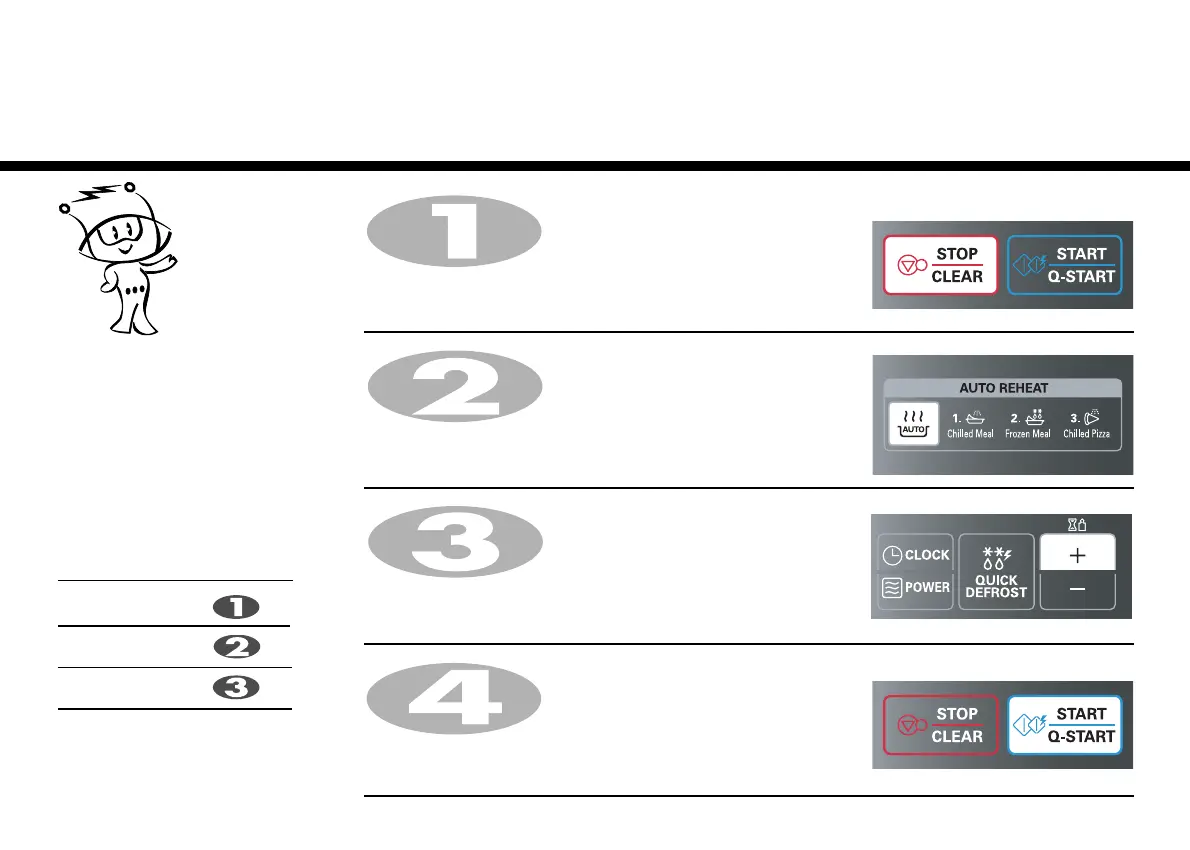
In the following example I will show you how to cook 0.6kg of Frozen Meal.
Press STOP/CLEAR .
Press AUTO REHEAT twice to select Frozen Meal.
“rh-2” appears on the display.
Touch four times, display shows “0.6”.
Press START/Q-START.
Auto Reheat cooking make food
reheating convient and easy to use.
The oven has been pre-programmed to
automatically reheat food.
Your oven has three reheat settings:
Chilled Meal, Frozen Meal and
.
Category
Chilled Meal
Frozen Meal
Chilled Pizza
Press
AUTO REHEAT
time
times
times
Chilled
Pizza
+


 To Next Page