Due to our policy of continuous product innovation, some specications may change without notication.
©LG Electronics U.S.A., Inc., Englewood Cliffs, NJ. All rights reserved. “LG” is a registered trademark of LG Corp.
20
MULTI V IV Outdoor Unit Service Manual
OTHER CONTROLS
Emergency Operation
If an inverter compressor is not operating, the system can still run by using one of two methods.
Automatic Emergency Operation (Automatic Backup Function)
If an outdoor unit detects an inverter compressor error during operation, the automatic backup mode is initiated.
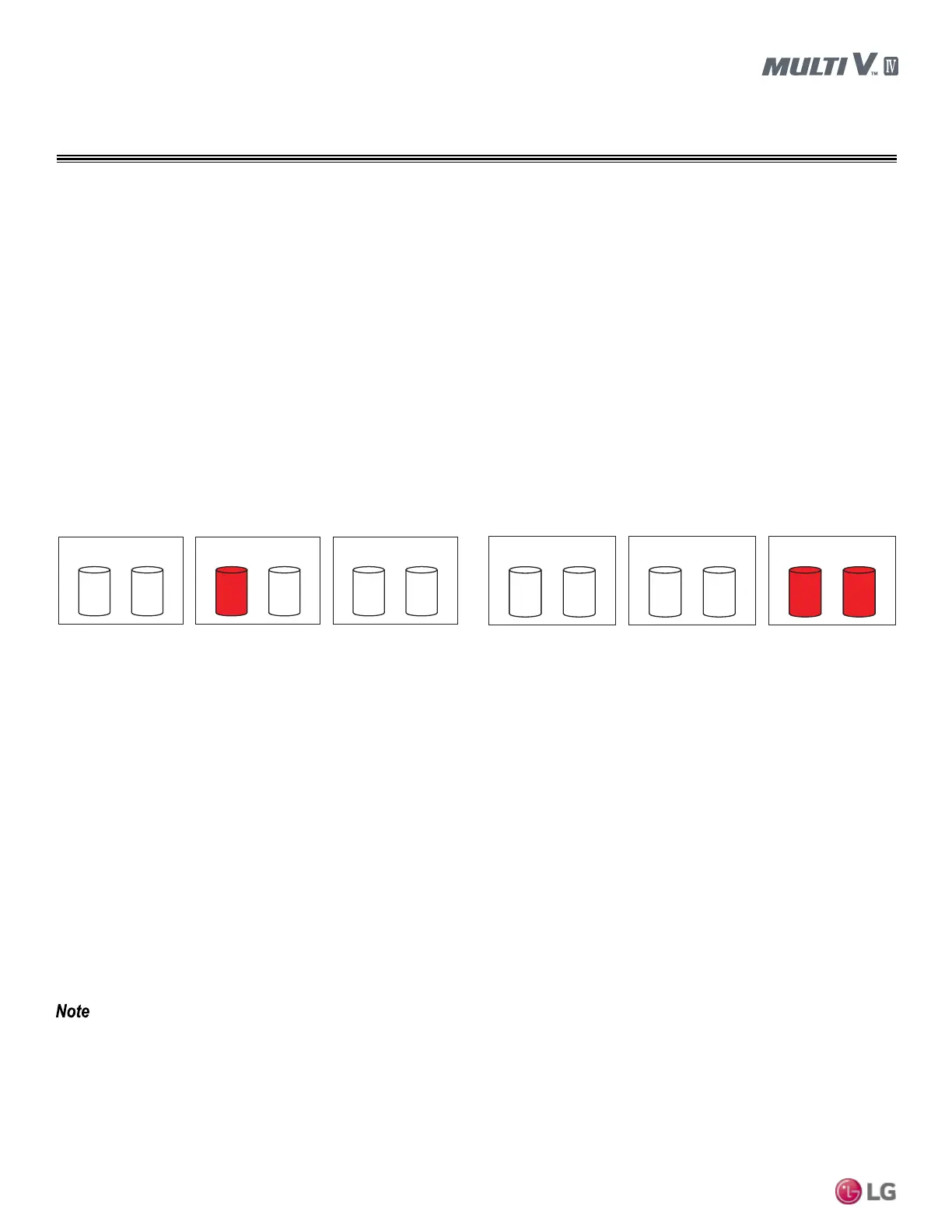
1. Inverter 1 compressor automatic emergency operation.
2. Inverter 2 compressor automatic emergency operation.
Emergency Operation
Backup Mode Cancellation
Select the “off” Action By Using the ►and◄ Buttons, then Push the ● Button.
• Do not run the system under emergency operation with an inverter compressor failure for more than 48 hours. It may cause
compressor failure within the other outdoor units.
• During the emergency operation, cooling / heating capacity may be reduced.
If Slave 1 Outdoor Unit Inverter Compressor Fails
1. Ensure Slave 1 Outdoor Unit PCB No. 5 DIP Switch is Set to
ON.
2. Select the “SVC” Mode By Using the ►and◄ Buttons, then
Push the ● Button.
3. Select the “Se4” Function By Using the ►and◄ Buttons, then
Push the ● Button.
4. Select the “inv1” Option By Using the ►and◄ Buttons, then
Push the ● Button.
5. Select “Action” By Using the ►and◄ Buttons, then Push the ●
Button.
If Slave 2 Outdoor Unit Fails
1. Ensure Slave 2 Outdoor Unit PCB No. 5 DIP Switch is Set to
ON.
2. Select the “SVC” Mode By Using the ►and◄ Buttons, then
Push the ● Button.
3. Select the “Se4” Function By Using the ►and◄ Buttons, then
Push the ● Button.
4. Select the “inv1” Option By Using the ►and◄ Buttons, then
Push the ● Button.
5. Select “Action” By Using the ►and◄ Buttons, then Push the ●
Button.
SLAVE1
INV1 INV2 INV1
INV2
INV1 INV2
INV1 INV2 INV1 INV2 INV1 INV2
MASTER SLAVE1 SLAVE2
MASTER SLAVE2
Manual Emergency Operation (Manual Backup Function)
1. Verify which compressor is malfunctioning (refer to the Troubleshooting section in the back of this manual).
2. Turn off the power.
3. Set the DIP switch of the defective outdoor unit following the instructions below.
4. Turn on the power.



 To Previous Page