Getting Started8
Getting Started
1
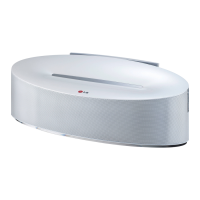
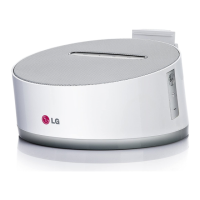
Front Panel
a
iPod/iPhone Dock (Lightning Connector)
b
Support for iPod/iPhone
c
Speaker
d
Display Window
Displays each of functions.
e
1/
F (Power/Function)
- Power on : Press
1/
F to turn the unit on.
- Power o : Press and hold
1/
F for about 3
seconds to turn the unit o.
- Selects the function and input source.
+/- (Volume)
Adjusts volume of speaker.
Rear Panel
a
BASS
Reinforce BASS sound effect.
b
(USB)
Plays the audio les using your USB cable for
iPod/iPhone/iPad.
c
PORT.IN
Listens to music from your portable device.
d
DC IN (AC adapter input)
Connects the supplied AC adapter.
ND2530-BS.BGBRLLK_ENG_7550.indd 8 2013-03-26 3:27:52



 To Next Page