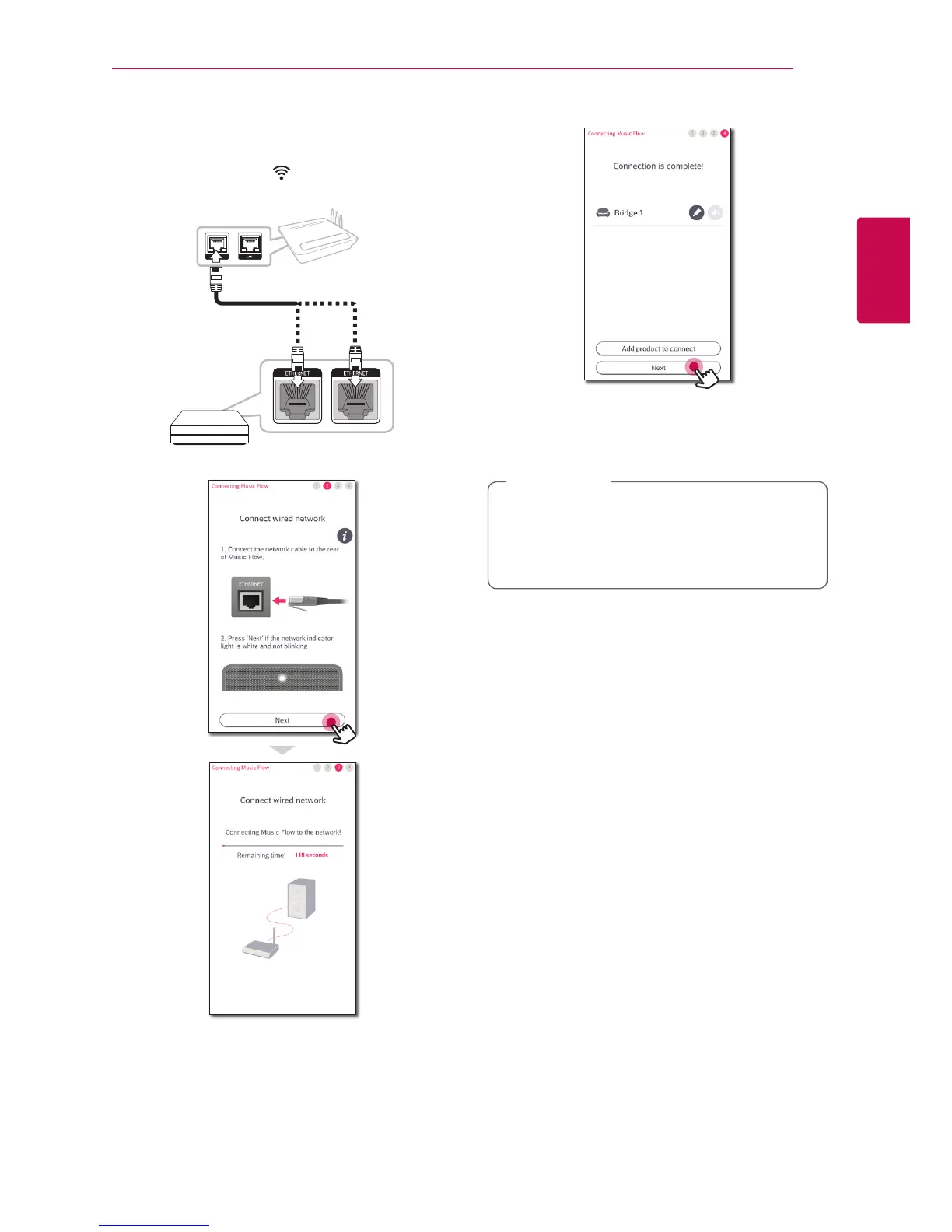
5. Connect one end of the LAN cable to the
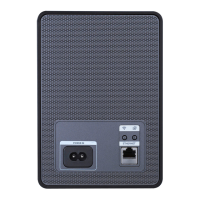
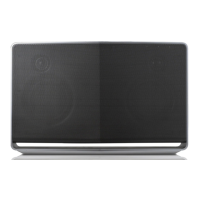
speaker’s ETHERNET port, and connect the other
end to your wireless router.
Wait a moment until Network status LED
stops blinking and stays white.
6. Then select [Next] on the screen.
7. Select [Next] to complete the connection.
8. Connect the speaker to Music Flow R1.
Refer to the “Adding another speaker” on page
21.
If the connection fails, run the application
again and follow the instructions in the
application guide on your smart device to
connect to the speaker and the Music Flow R1.
,
Note


 To Next Page