EasyManua.ls Logo

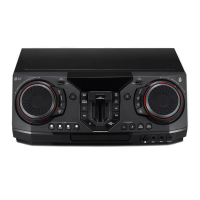
LG NA9740 - User Manual

LG NA9740
62 pages
Print Icon
To Next Page IconTo Next Page
Loading...
Please read this manual carefully before
operating your speaker and retain it for future
reference.
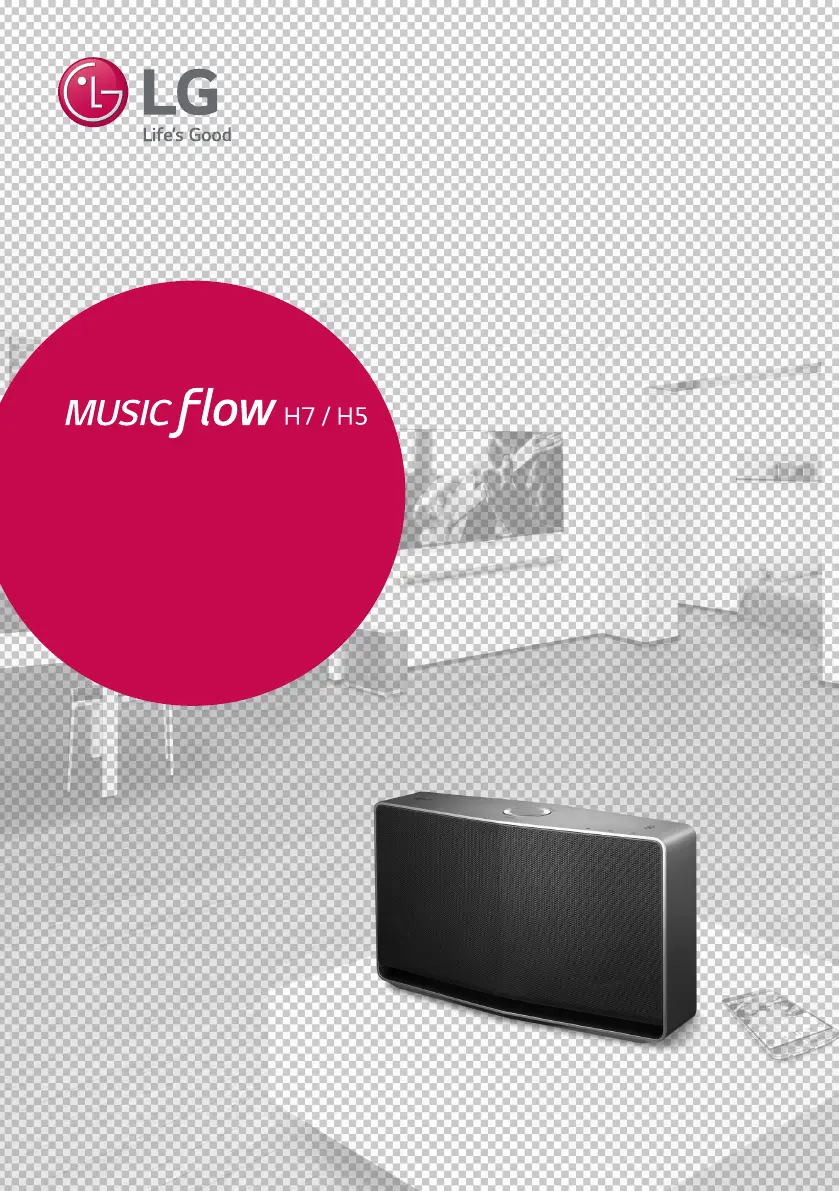
ENGLISH | OWNER’S MANUAL
SMART Hi-Fi AUDIO
Wireless Multi-room
Model : NP8740 (H7)
NA9740 (H7)
NP8540 (H5)
NA9540 (H5)
Copyright © 2015-2017 LG Electronics Inc. All Rights Reserved.
www.lg.com

Table of Contents

Questions and Answers

  • L
    lauradavisAug 10, 2025
    How to fix an LG NA9740 Stereo System that is not working properly?
    • S
      simontracyAug 10, 2025
      If your LG Stereo System unit isn't working correctly, try this: turn off the power for both the unit and any connected devices like your TV, Woofer, DVD player, or Amplifier. Then, turn them back on. If that doesn't work, disconnect the power cord of the unit and all connected external devices, and then reconnect them.
  • R
    Reginald MuellerAug 16, 2025
    What to do if LG NA9740 speaker doesn’t work properly?
    • T
      Theresa HuangAug 16, 2025
      Here are several solutions to try: 1. Ensure the speaker is properly plugged in. 2. Check if the Wi-Fi router you’re using has been certified for Wi-Fi. 3. Unplug the speaker, then plug it back in, and reconnect it to the router. 4. Reset the speaker. 5. If using a Music Flow R1, ensure that the smart device and the Music Flow R1 are connected to the same Wi-Fi network and that the Music Flow R1’s indicator LED shows it is working correctly. If problems persist, reset the Music Flow R1, or try unplugging and plugging in both the Music Flow R1 and the speaker. 6. If you still have trouble connecting, relocate the speaker closer to the wireless router or Music Flow R1.
  • K
    Kathleen SheltonAug 20, 2025
    What to do if my LG NA9740 Stereo System speaker isn't working?
    • C
      Cindy GibsonAug 20, 2025
      If the speaker of your LG Stereo System isn’t working correctly: * Ensure the speaker is properly plugged in. * If using a Music Flow R1, verify that both the smart device and the Music Flow R1 are connected to the same Wi-Fi network and that the Music Flow R1’s indicator LED shows it is working correctly. * If you experience troubles with connecting the Music Flow R1 and speaker, try relocating the speaker closer to the wireless router or Music Flow R1.
  • A
    Adam GeorgeAug 26, 2025
    Why won't my LG Stereo System turn on?
    • R
      Rodney BranchAug 26, 2025
      First, ensure the power cord is properly connected to the outlet. If it isn't, firmly connect the power plug to the outlet.
  • K
    Kristin BakerAug 30, 2025
    What to do if my LG Stereo System has no sound?
    • M
      Margaret MartinezAug 30, 2025
      If your LG Stereo System isn't producing sound, the first thing to check is the volume level. Make sure it isn't set to the minimum. If it is, simply adjust the volume to a comfortable listening level.
  • J
    Jake WoodsSep 4, 2025
    What to do if a function doesn't work on my LG NA9740?
    • S
      Stephen BaldwinSep 4, 2025
      If a function on your LG Stereo System doesn't work when you press the button, static electricity in the air might be the cause. Try disconnecting the power plug and then reconnecting it.

LG NA9740 Specifications

General IconGeneral
BrandLG
ModelNA9740
CategoryStereo System
LanguageEnglish

Related product manuals