Operating 33
Operating
3
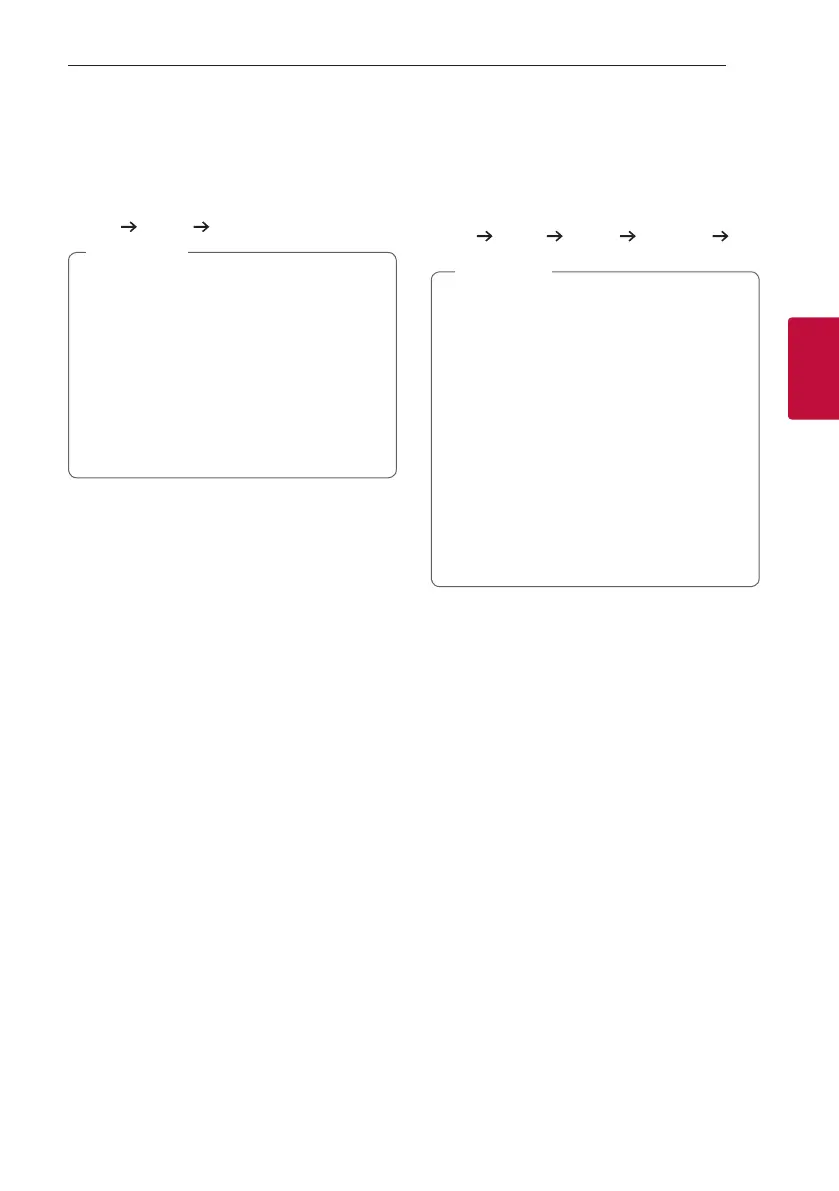
ECHO
When you connect your microphone to the MIC jack,
you can give an echo effect to the sound from the
microphones by pressing MIC ECHO on the remote
control or MIC ECHO / DEMO on the unit.
ECHO 1
ECHO 2 OFF
y If a microphone is not connected, “INSERT
MIC ” appears in the display window.
y If you press VOCAL EFFECTS button on
ECHO mode, after backing up current ECHO,
turn off ECHO mode and operate VOCAL
EFFECTS mode.
Press MIC ECHO on the remote control or
MIC ECHO / DEMO on the unit again, after
backing up current VOCAL EFFECTS, operate
ECHO mode.
,
Note
LIGHTING
This function offers a party atmosphere by operating
the lighting on the unit.
Press LIGHTING on the unit.
The mode changes each time you press it:
PARTY
WATER FOREST (MY STYLE) OFF
y Lighting function is available in all functions.
y Lighting mode retains in its previous mode
when you first press LIGHTING on the unit,
press again to change modes.
y If you want to use MY STYLE, you have to
register a source with “LG XBOOM” app.
y Do not look directly at the light emitting part
when the LIGHTING is turned on.
y If the illumination brightness is glaring, switch
on the room lights or turn off the LIGHTING
of the unit.
y You can also turn off the light by pressing
and holding LIGHTING on the unit.
,
Note



 To Next Page