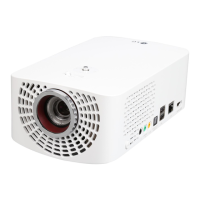
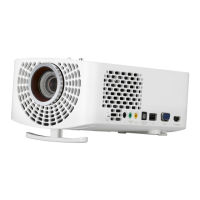
22
ENGLISH
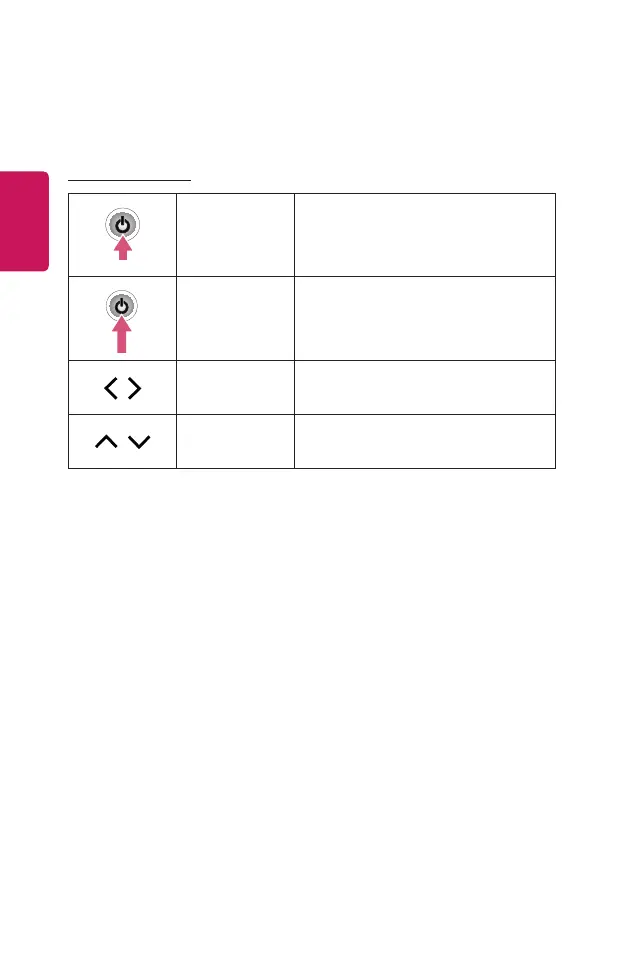
Using the Buttons
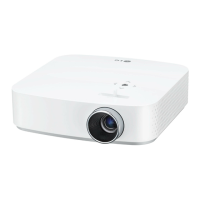
You can operate the projector by pressing the button.
Basic functions
Power On Press the power button once while the
projector is off.
Power Off
(Press and
Hold)
Press and hold the Power button for
more than 3 seconds while the projector
is on.
,
Volume Control Adjust the volume by pressing the left/
right button.
,
Channels
Control
Change the channel by pressing the up/
down button.


 To Next Page