21
ENGLISH
ENJOY LIVE TV
Live Menu
Using Live Menu
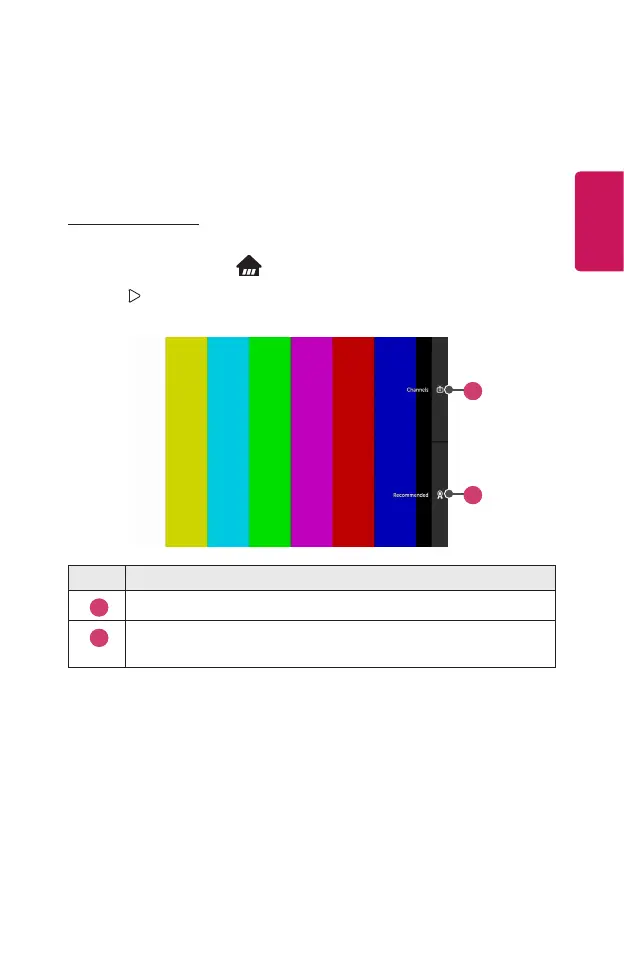
You can use the relevant features with ease when watching TV broadcasts.
1 Run Live TV by pressing .
2 Press button (on the right) on the remote control or move the Magic
Remote pointer to the right side of the projector screen.
1
2
Description
1
View a list of broadcast content that is currently being broadcast.
2
Get channel and program recommendations based on your viewing
history.



 To Next Page