29
ENGLISH
Using Advanced Broadcast Settings
If the broadcast you are watching contains Closed Caption, AUDIO LANGUAGE,
or Multi Audio information, you can use such features.
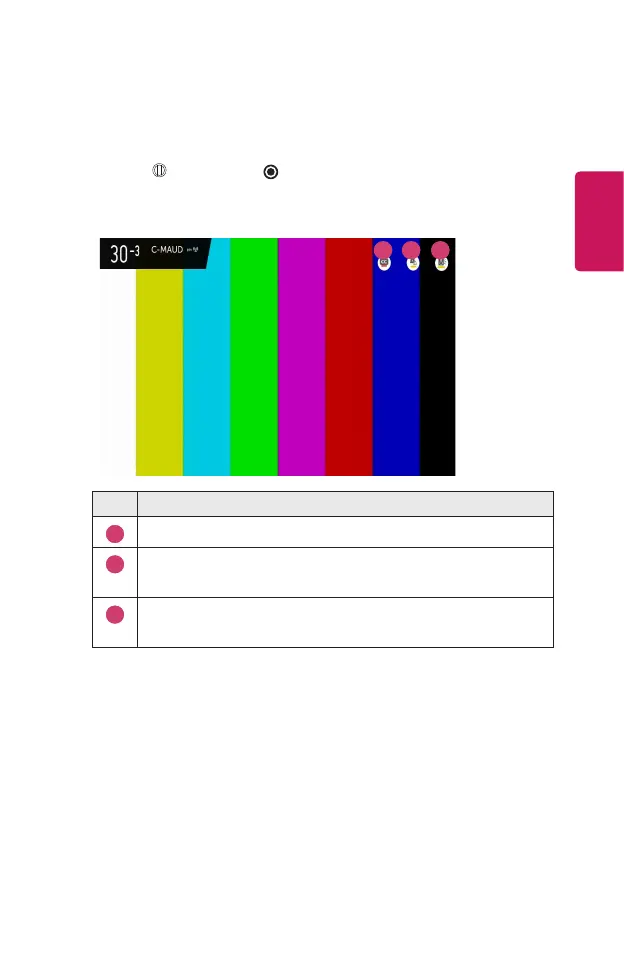
1 Press the Wheel (OK) or OK button on your remote control.
2 Select your desired feature in the top of the screen and set the feature to your
desired value.
1 2 3
Description
1
You can set Closed Caption.
2
You can set AUDIO LANGUAGE.
• Only available with digital broadcasts.
3
You can set Multi Audio.
• Only available with analog broadcasts.
• Available features may vary depending on the broadcast signal.



 To Next Page