24 OPERATION
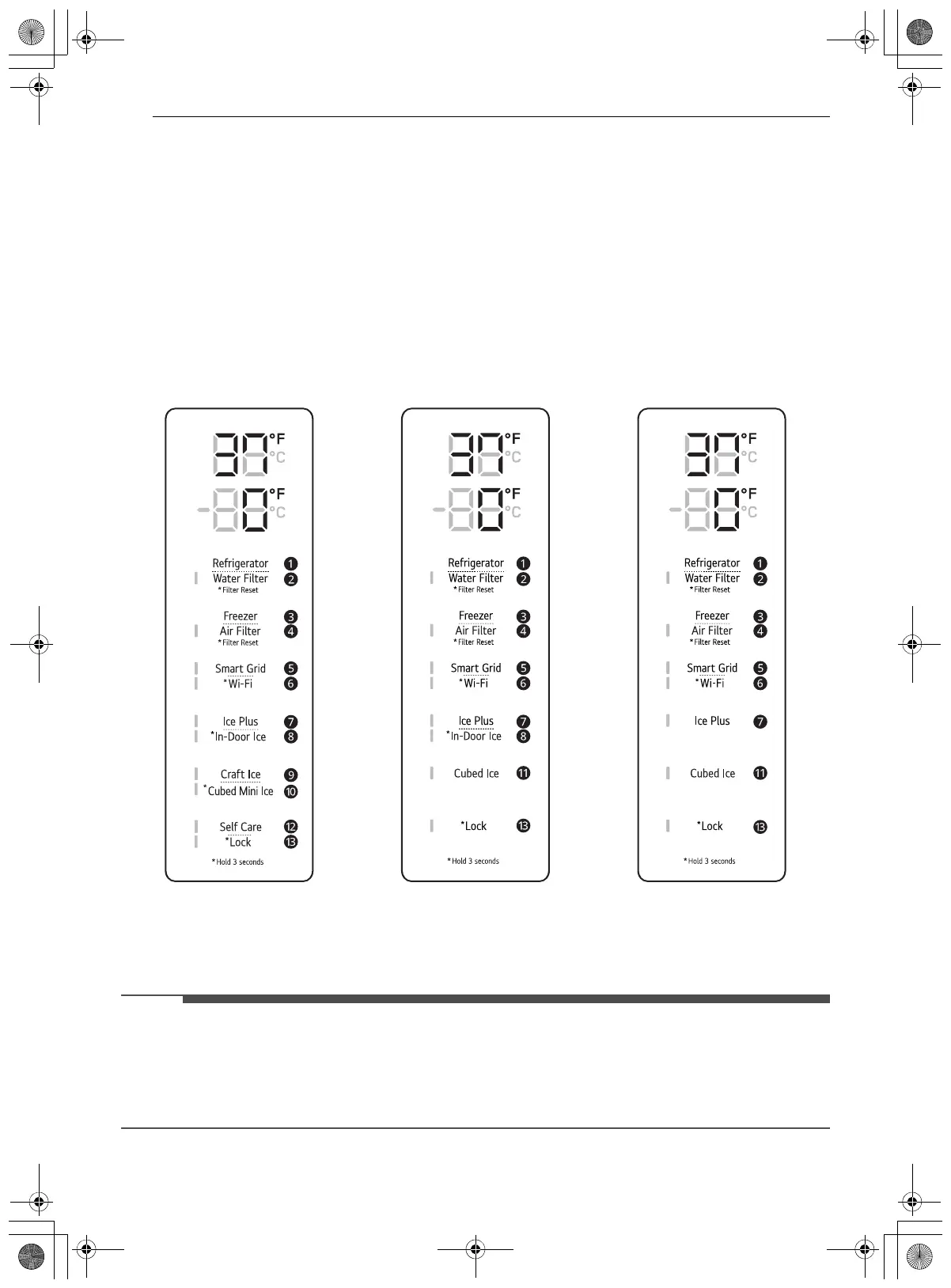
Control Panel
Depending on the model, some of the following functions may not be available.
The actual control panel may differ from model to model.
Control Panel Features
Interior Control Panel
• Refrigerator Control Panel
† This feature is only available on some models.
a Refrigerator
Indicates the set temperature of the refrigerator compartment in Celsius (°C) or Fahrenheit (°F). The
default refrigerator temperature is 37 °F (3 °C). Press the Refrigerator button repeatedly to select a
new set temperature from 33 °F to 43 °F (1 °C to 7 °C).
• To change the temperature mode from °F to °C (or vice versa) press and hold the Refrigerator and
Freezer buttons simultaneously for approximately five seconds. The temperature indicator on the
display window switches between Celsius and Fahrenheit.
• The displayed temperature is the target temperature, and not the actual temperature of the refrigerator.
The actual refrigerator temperature depends on the food inside the refrigerator.
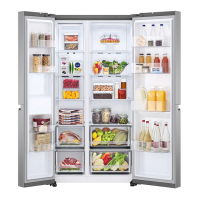
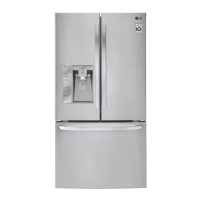
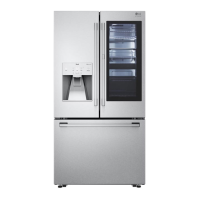
Type A Type B Type C
en-us_main.book.book Page 24 Monday, February 20, 2023 9:41 AM



 To Next Page