Basic Functions 56
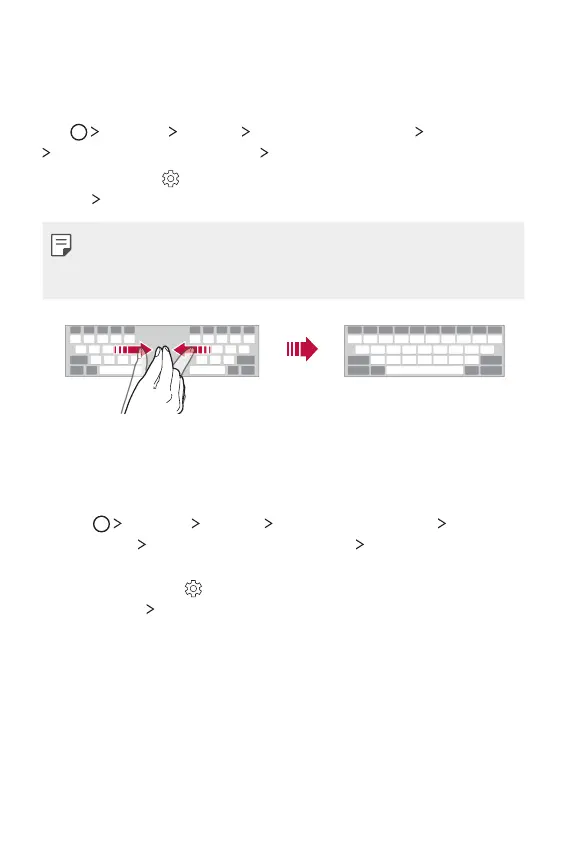
Splitting the keyboard
You can split the keyboard in half and place each piece on either side
of the screen when the screen is in landscape mode.
Tap
Settings General Language & keyboard LG Keyboard
Keyboard height and layout Split keyboard.
Alternatively, tap
on the keyboard and tap Keyboard height and
layout
Split keyboard.
• Rotate the device to landscape mode to split the keyboard to both
sides. To merge or split the keyboard, pinch together or spread
apart your fingers on the keyboard.
One-handed operation mode
You can move the keyboard to one side of the screen so that you can
use the keyboard with one hand.
1
Tap Settings General Language & keyboard LG
Keyboard
Keyboard height and layout One-handed
operation.
Alternatively, tap
on the keyboard and tap Keyboard height
and layout
One-handed operation.



 To Next Page