Basic Functions 57
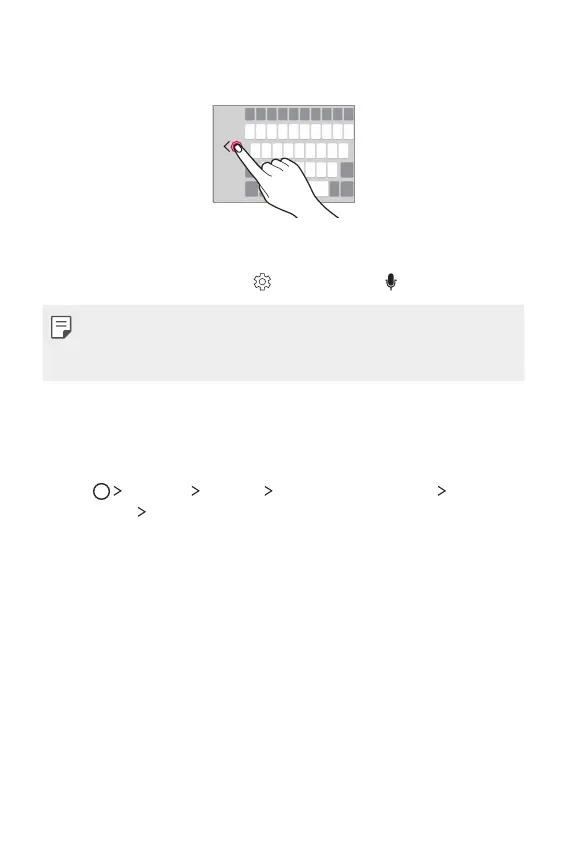
2
Press the arrow displayed next to the keyboard to move the
keyboard in the direction you want.
Entering text by using voice
On the keyboard, tap and hold and then select .
• To maximise the voice command recognition, speak clearly.
• To enter text by using your voice, make sure that your device is
connected to a network.
Changing the keyboard
You can change the input language and the keyboard type for each
language.
1
Tap Settings General Language & keyboard LG
Keyboard
Select languages.
2
Select a language and customise the keyboard type.



 To Next Page