6
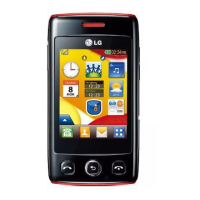
LG T310 | User Guide
Getting to know your phone
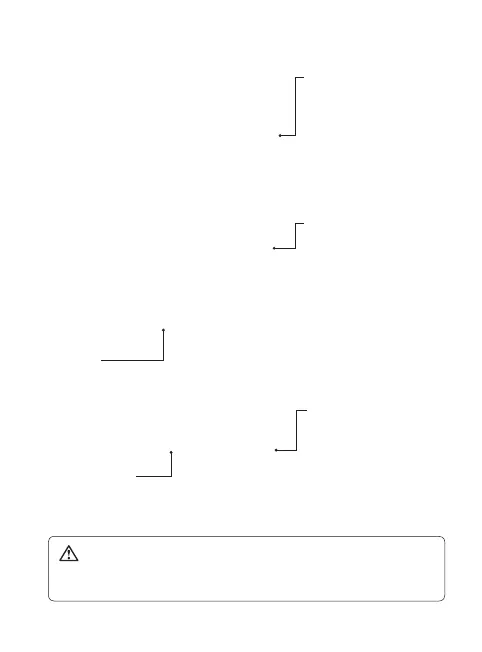
Smart key
• Accepts and ends a call.
• Goes to home screen directly.
Power/Lock key
• Long press for power on/off.
• Short press to turn on/off the screen.
WARNING: Placing a heavy object on the phone or sitting on it
while it is in your pocket can damage the phone’s LCD and touch screen
functionality.
Side keys
• When the screen is at the
Home screen: Ring tone
and key tone volume.
• During a call: Earpiece
volume.
Charger, cable and
handsfree connector
Camera/Multi-tasking key
• Long press to use the
camera.
• Short press to use multi-
tasking.
Ext
e
Micr
Batte
Op



 To Next Page