Settings 133
3
Select a network.
• You may need to enter the network's Wi-Fi password.
• The device skips this process for previously accessed Wi-Fi
networks. If you do not want to automatically connect to a certain
Wi-Fi network, tap the network and then tap FORGET.
Wi-Fi Direct
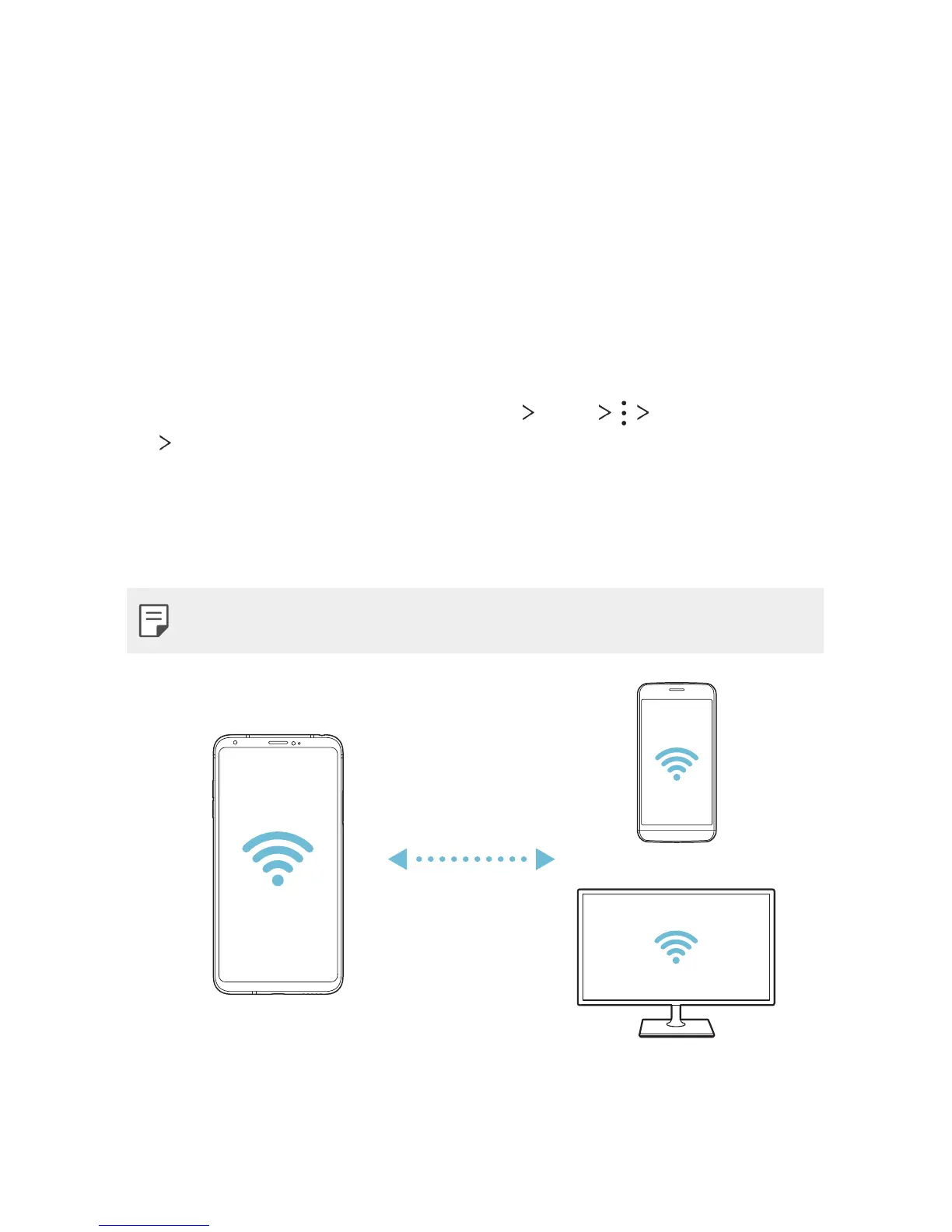
You can connect your device to other devices that support Wi-Fi Direct to
share data directly with them. You do not need an access point. You can
connect with more than two devices by using Wi-Fi Direct.
1
On the settings screen, tap Networks Wi-Fi Advanced Wi-Fi
Wi-Fi Direct.
• Nearby devices that support Wi-Fi Direct automatically appear.
2
Select a device.
• Connection occurs when the device accepts the connection request.
• The battery may drain faster when using Wi-Fi Direct.


 To Next Page