5
Turning Your GizmoPal 2 On and Off
Turning Your GizmoPal 2 On and Off
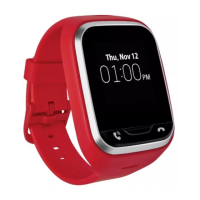
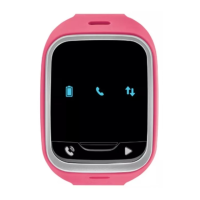
Turning your GizmoPal 2 on:
#
Press and hold the Play button
until all of the icons light up and your
GizmoPal 2 says “Hello”.
Turning your GizmoPal 2 off:
#
Press and hold the Play button
until the voice prompts you to press
the Play button
again to turn off your GizmoPal 2.
#
You can also use the GizmoHub app to turn off the GizmoPal 2 from your
smartphone.


 To Next Page