20
Using GizmoPal 2
Using GizmoPal 2
Show your child what GizmoPal 2 can do and practice making and receiving
calls with their GizmoPal 2.
Wearing GizmoPal 2
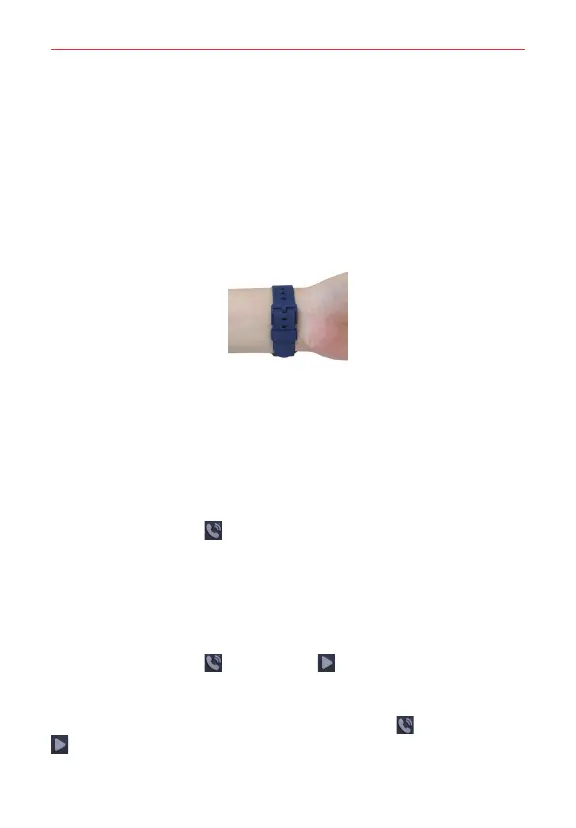
The GizmoPal 2 should fit snugly, but not too tightly, around your child’s
wrist. GizmoPal 2’s antenna is embedded in its wristband, so don’t pull or
bend the GizmoPal 2 to force it if it doesn’t fit or use force to take it off.
NOTES • Be careful not to put GizmoPal 2 on too tightly or too loosely.
• Tell your child to ask for help if they have trouble taking it off. Trying to take off
GizmoPal 2 forcefully may cause injury or damage the device.
• The band of this GizmoPal 2 is made of polyurethane and can be faded by light or
discolored if it gets dirty. You can spot clean the band using a soft cloth and baking
powder dissolved in water.
Making a Call
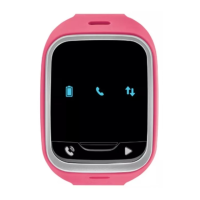
1. Press the Call button to start calling mode.
2. Follow GizmoPal 2’s voice instructions to make a call.
Answering a Call
1. The GizmoPal 2 will ring and the light will blink blue when there's an
incoming call.
2. Press the Call button
or Play button to answer the call.
Ending a Call
If the call is made from the band, press the Call button or Play button
to end the call.
NOTE Making and receiving calls requires a wireless network connection.
Calls received by the band cannot be ended by the band.


 To Next Page